How to Charge a Smartwatch Properly Tips to Make Your Battery Last Longer
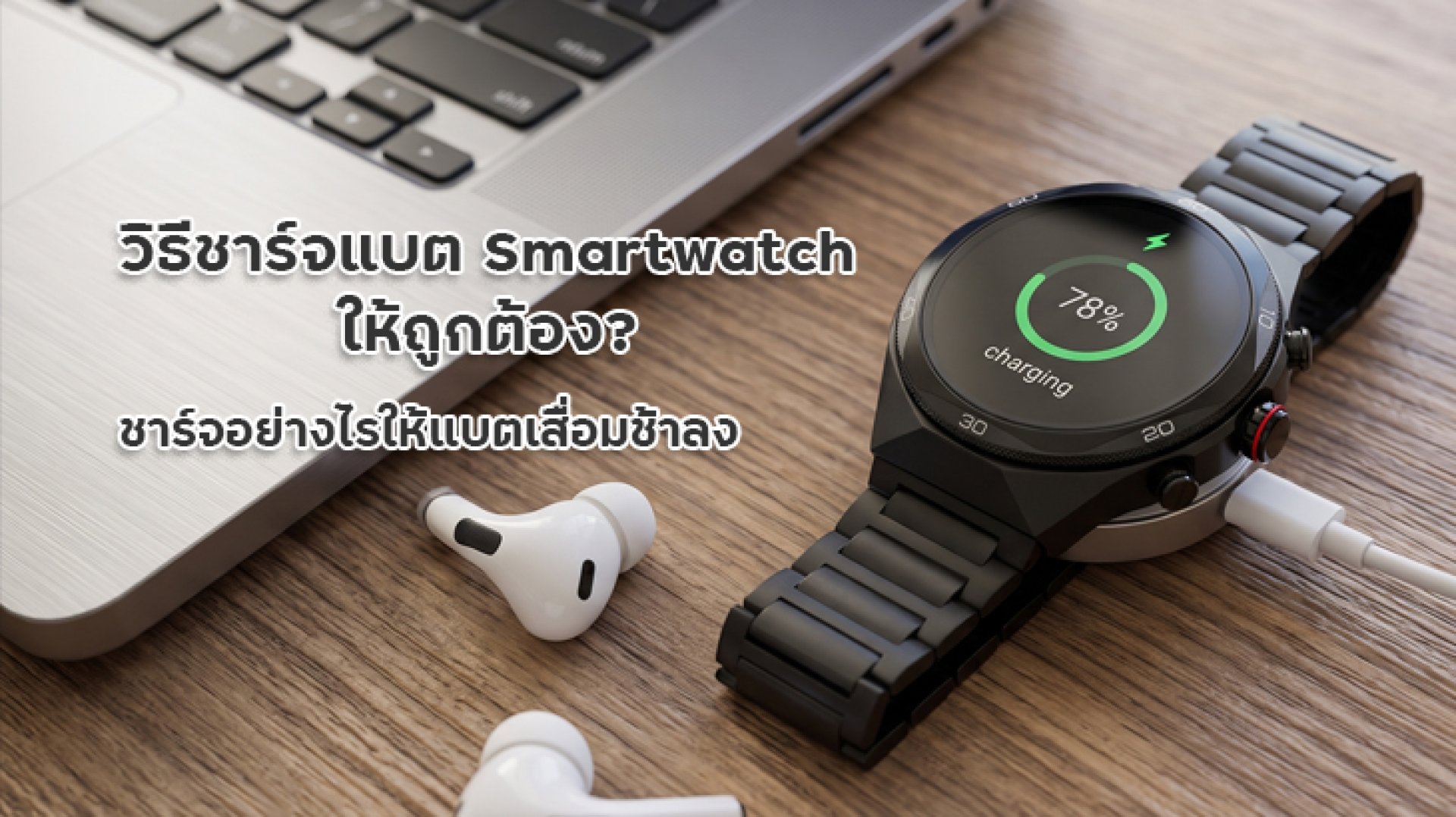
When you buy a new smartwatch, you naturally want it to last as long as possible. Battery life is one of the most important factors affecting your daily experience. However, many users still have questions about how to charge a smartwatch correctly. Should you wait until the battery runs out before recharging? Is it necessary to charge it to 100% every time? And will leaving it plugged in overnight damage the battery?
Most modern smartwatches use lithium-ion or lithium-polymer batteries. Unlike older battery technologies, these batteries do not need to be completely drained before recharging. Taking care of your smartwatch battery is more about managing charging habits, avoiding excessive heat, and adjusting daily usage. In this guide, we'll explain how to charge a smartwatch properly, along with practical tips to help extend its battery lifespan.
Why Is It Important to Charge Your Smartwatch Correctly?
Every rechargeable battery has a limited lifespan. As it goes through charging and discharging cycles, its ability to hold a charge gradually decreases. This means a smartwatch that once lasted seven days on a single charge might only last four or five days after extended use. The actual lifespan depends on battery quality, device specifications, and individual usage habits.
Learning how to charge a smartwatch properly can help reduce unnecessary stress on the battery and prevent premature degradation. Although normal battery aging cannot be stopped completely, avoiding excessive heat, frequent deep discharges, and unsuitable charging accessories can help preserve battery capacity over time.
How to Charge a Smartwatch Properly
If you're looking for practical smartwatch charging tips, start with the following habits. However, always check your smartwatch's user manual because charging systems and manufacturer recommendations may vary between models.
1. Don't Wait Until the Battery Is Completely Empty
One common misconception is that you must use your smartwatch until the battery reaches 0% before charging it. This is not necessary for modern lithium batteries. In fact, frequently allowing the battery to drain completely can put additional stress on it.
A better approach is to recharge your smartwatch when the battery level reaches around 20-30%. There is no need to wait until the device shuts down automatically. This helps avoid frequent deep discharges, which are generally not ideal for lithium-based batteries.
2. You Don't Need to Charge to 100% Every Time
Charging your smartwatch to 100% is not harmful by itself. It can also be useful when you're traveling or need the device to last throughout a busy day. However, if your goal is to preserve battery health over the long term, keeping the charge level within a moderate range can be beneficial.
When convenient, you can aim to keep the battery between approximately 20% and 80%. You don't need to follow these numbers strictly every day, especially if your smartwatch already includes optimized charging or a battery charge limit feature. The best approach is to follow charging habits that suit your daily routine rather than constantly monitoring the percentage.
3. Use the Correct Charging Cable and Charging Dock
Different smartwatch models use different charging systems. Some feature magnetic charging cables, while others use contact-based charging docks or proprietary connectors. Always choose a charging accessory designed for your specific model.
Use the original charging cable or dock supplied by the manufacturer whenever possible. If you need a replacement, make sure it is specifically listed as compatible with your smartwatch. Accessories that look similar may have different contact positions or charging specifications. Using the correct equipment helps prevent charging interruptions and connection problems.
4. Choose a Certified and Reliable Power Adapter
If your smartwatch does not include a power adapter, choose a reliable USB adapter that meets recognized safety standards and follows the manufacturer's recommendations. You do not necessarily need the highest-wattage charger available because your smartwatch can only draw power according to its supported charging specifications.
Avoid extremely cheap adapters with no identifiable manufacturer or safety certification. Damaged cables should also be replaced because they may cause unstable power delivery or abnormal heat. Choosing suitable charging accessories is an essential part of learning how to charge a smartwatch safely.
5. Avoid Charging in Hot Environments
Heat is one of the main factors that can accelerate battery degradation. Avoid charging your smartwatch in direct sunlight, inside a parked car exposed to high temperatures, or near other heat sources. Instead, choose a cool, well-ventilated area.
If your smartwatch becomes unusually hot while charging, disconnect it when it is safe to do so. Check the charging cable, dock, and power adapter before using them again. Avoiding excessive heat is one of the most important ways to protect your smartwatch battery over time.
6. Position Your Smartwatch Correctly on the Charging Dock
Some smartwatches use magnetic charging docks that require the contact points to align correctly. If the watch is not positioned properly, it may fail to charge, charge intermittently, or take longer than usual to reach the desired battery level.
Before charging, check that the back of the watch and the charging dock are clean and free from dust, sweat, or residue. Place the smartwatch securely on the dock and check the charging indicator on the screen. Proper alignment helps maintain a stable charging connection and prevents unnecessary charging interruptions.
7. Disconnect the Charger When Appropriate
Most modern smartwatches include battery management systems that help regulate charging when the battery approaches full capacity. Therefore, leaving your smartwatch plugged in overnight does not automatically mean the battery will be damaged.
However, keeping a device connected to a charger for unnecessarily long periods, especially in a warm environment, is not ideal. If you don't need to charge overnight, consider charging your smartwatch when you can monitor it and disconnecting it once it reaches your preferred battery level.
When Is the Best Time to Charge a Smartwatch?
There is no single best charging time for every smartwatch. It depends on battery capacity, daily routines, and how frequently you use different features. The important thing is to avoid letting the battery drain completely before recharging.
- When the battery reaches 20-30%: This is a practical time to start charging. There is no need to wait until the battery reaches 0%.
- When you're not using the watch: Charging while taking a shower or getting ready for bed can be convenient.
- Before traveling: Charge the smartwatch fully if you expect to use GPS, activity tracking, or notifications throughout the day.
- After intensive use: If you've used GPS or exercise tracking for an extended period, check the device temperature before charging.
The key to how to charge a smartwatch properly is not sticking to the same charging time every day. Instead, avoid frequent deep discharges and keep the device away from excessive heat while charging.
What Habits Can Make a Smartwatch Battery Degrade Faster?
Choosing the right charging method is important, but certain daily habits can also accelerate battery wear. If you want your smartwatch to last longer, try to avoid the following behaviors.
| Habit | Possible Effect | What to Do Instead |
|---|---|---|
| Frequently draining the battery to 0% | Increases battery stress due to deep discharging | Recharge when the battery reaches around 20-30% |
| Charging in extremely hot environments | Heat can accelerate battery degradation | Charge in a cool, well-ventilated area |
| Using low-quality charging accessories | May cause unstable power delivery or excessive heat | Use certified accessories compatible with your model |
| Ignoring dirty charging contacts | May cause poor contact and interrupted charging | Inspect and clean the contacts appropriately |
| Keeping power-hungry features enabled all the time | Drains the battery faster and increases charging frequency | Turn off features you don't need |
Tips to Extend Your Smartwatch Battery Life During Daily Use
Even if you know how to charge a smartwatch correctly, using power-intensive features throughout the day can still drain the battery quickly. Try adjusting the following settings to reduce unnecessary power consumption.
Reduce Screen Brightness and Screen Timeout
The display is one of the main power consumers in a smartwatch, especially models with bright screens or an Always-on Display feature. Lower the brightness to a comfortable level and adjust the screen timeout so the display turns off when you are not using it.
Turn Off GPS When You Don't Need It
GPS can consume a significant amount of power, particularly when tracking your location continuously during outdoor activities. If you are not using route tracking or location-based features, turn GPS off when appropriate.
Enable Notifications Only for Essential Apps
Receiving notifications from every app can cause your screen to wake up frequently and trigger repeated vibrations throughout the day. Choose only the notifications you need, such as incoming calls, LINE messages, or other important alerts. This can reduce unnecessary power consumption.
Keep Your Software Updated
Manufacturers may improve power management and fix battery-related issues through firmware updates. Check for updates through your smartwatch settings or companion app, and follow the manufacturer's instructions before installing them.
Frequently Asked Questions About How to Charge a Smartwatch
Can I Leave My Smartwatch Charging Overnight?
Most modern smartwatches include charging management systems that help regulate power when the battery approaches full capacity. Leaving the device charging overnight does not automatically damage the battery. However, check the manufacturer's recommendations, use certified charging accessories, and avoid charging in environments where heat can build up.
At What Battery Percentage Should I Charge My Smartwatch?
You can start charging when the battery reaches around 20-30%. There is no need to wait until it reaches 0%. Lithium batteries do not need to be completely drained before recharging. Maintaining a reasonable battery level is a useful part of proper smartwatch battery care.
Do I Need to Charge My Smartwatch to 100% Every Time?
No. You can charge it only to the level needed for your daily activities. If you want to reduce battery stress over the long term, keeping the charge level between approximately 20% and 80% when convenient can be a useful approach. However, charging to 100% before a trip or a day of intensive use is perfectly acceptable.
Can I Use a Phone Charger to Charge My Smartwatch?
It may work with some models if the power adapter has the correct connection and meets the manufacturer's specifications. However, always check your smartwatch's charging requirements first. The important factors are using a compatible charging cable or dock and a reliable power adapter. Do not choose a charger based on wattage alone.
Why Does My Smartwatch Battery Still Drain Quickly After Charging?
The cause may be power-intensive features such as GPS, Always-on Display, frequent notifications, or continuous health monitoring. Battery capacity may also decrease naturally as the device gets older. If the battery continues to drain unusually quickly after adjusting these settings, contact the manufacturer's service center for further inspection.
Conclusion: How to Charge a Smartwatch to Make the Battery Last Longer
Learning how to charge a smartwatch properly doesn't have to be complicated. The main principles are simple: you don't need to wait until the battery is completely empty, you don't have to charge it to 100% every time, you should use compatible charging accessories, and you should avoid charging in excessively hot environments.
You can also reduce unnecessary power consumption by lowering screen brightness, turning off GPS when it is not needed, and limiting notifications to essential apps. These small adjustments can help reduce charging frequency and make your smartwatch more convenient to use.
Finally, remember that charging recommendations may vary depending on the model and battery technology. Always refer to the manufacturer's user manual for model-specific instructions. With a few simple changes to your charging and usage habits, you can help maintain your smartwatch battery and enjoy your device for longer.