What Is NFC Screencast? How Does It Work?
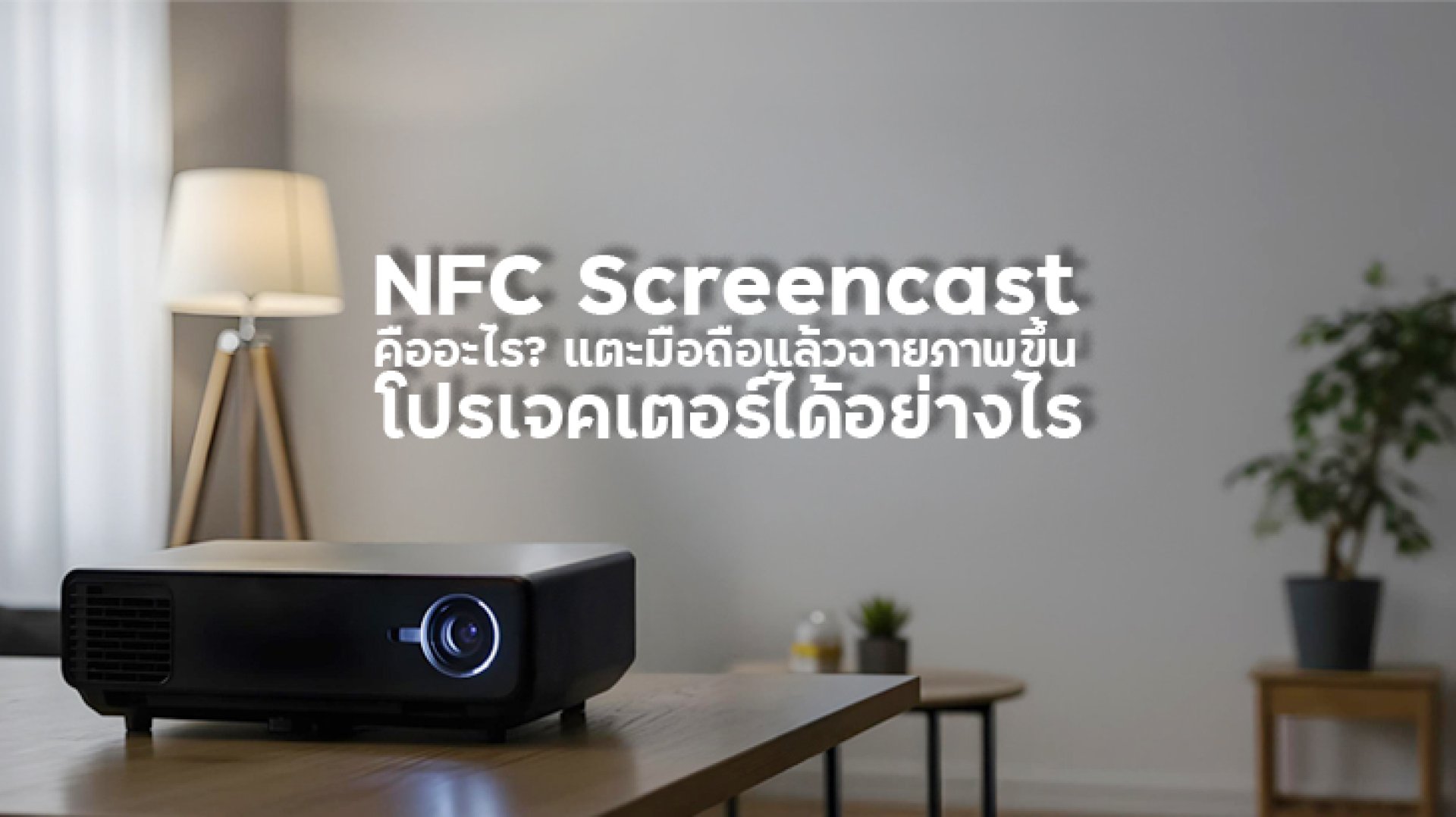
If you have been looking at modern smart projectors and come across the term NFC Screencast, you may be wondering: Wait, does NFC actually send my phone's video to the projector?
The short answer is not exactly.
NFC, or Near Field Communication, is primarily a short-range wireless communication technology designed for quick connection, data exchange, and device interaction. NFC operates over a very short distance, typically just a few centimeters, and is designed around a simple tap experience.
With a projector that supports NFC Screencast, NFC can make the process of starting a screen-casting connection much more convenient. However, NFC itself is not normally the technology responsible for continuously transmitting high-resolution video from your smartphone to the projector.
What Is NFC Screencast?
NFC Screencast refers to a projector feature that combines NFC technology with a screen-casting or screen-mirroring workflow.
Instead of manually searching through connection menus, opening settings, and trying to find the correct projector, NFC can be used as a quick interaction point. Depending on the projector and smartphone implementation, tapping or bringing the devices close together can help initiate or assist the connection process.
The important point is that NFC and screen casting are not the same technology.
| Technology | Main Purpose |
|---|---|
| NFC | Short-range communication and quick device interaction |
| Screen Mirroring | Mirrors the smartphone display onto another screen |
| Google Cast | Sends supported content from a device to a compatible display |
| Wi-Fi | Provides the wireless network connection used by many casting systems |
Does NFC Actually Transmit Video?
This is probably the most important thing to understand.
NFC is not designed to continuously stream high-resolution video.
According to the NFC Forum, NFC is a very short-range communication technology operating at 13.56 MHz, with a typical range of up to around 2 cm. NFC is designed for fast startup, short connection times, and relatively small data payloads.
That makes NFC excellent for things such as:
- Starting a connection
- Reading NFC tags
- Sharing small amounts of data
- Pairing or initiating another connection
- Triggering an action after a tap
It is very different from a technology designed to continuously transmit a movie from a smartphone to a projector.
Therefore, when a projector advertises NFC Screencast, you should think of NFC as a convenient connection trigger or setup mechanism, while the actual screen-casting process depends on the technologies supported by that particular projector and smartphone.
How Does NFC Screencast Work?
The exact implementation can vary between projector models, but the general concept is relatively simple.
1. Bring the Smartphone Close to the Projector
The smartphone is brought close to the projector's NFC detection area.
Because NFC is designed for very short-range communication, the devices need to be close to each other for the NFC interaction to work.
2. NFC Detects the Interaction
The NFC hardware detects the nearby compatible device or NFC interaction.
This can be used to trigger an action or initiate the next step in the connection process.
3. The Projector Starts the Screencast Workflow
The projector can then proceed with the screen-casting process supported by its operating system and connectivity system.
Depending on the product, this may involve Wi-Fi or another wireless casting mechanism.
4. The Smartphone Screen or Supported Content Appears on the Projector
Once the actual casting connection has been established, the smartphone can mirror its display or send supported content to the projector.
So the simplified concept is:
NFC = Tap / Initiate Wireless Connection = Transfer Projector = Display
NFC Screencast vs Screen Mirroring
These terms are often confused because they appear to describe the same thing. They are related, but they refer to different parts of the user experience.
| Feature | NFC Screencast | Screen Mirroring |
|---|---|---|
| Main purpose | Make the casting connection easier to start | Mirror the smartphone screen |
| Uses NFC | Yes, on supported devices | Not necessarily |
| Uses Wi-Fi | Depends on implementation | Commonly required |
| Video transmission | Usually handled by the underlying casting technology | Yes |
| User experience | Designed for quick setup | Requires a compatible mirroring method |
In other words, NFC Screencast can be a convenient way to start a screen-casting experience, while screen mirroring describes what happens to the display itself.
NFC vs Wi-Fi: Are They the Same?
No. NFC and Wi-Fi are fundamentally different technologies.
| Category | NFC | Wi-Fi |
|---|---|---|
| Communication range | Very short range | Much longer range |
| Primary purpose | Quick interaction and short data exchange | Wireless networking and data transfer |
| Typical use | Tap-to-connect, payments, tags, pairing | Internet access, streaming, casting |
| Video streaming | Not its typical purpose | Suitable for many streaming/casting applications |
The NFC Forum describes NFC as a short-range technology with very fast startup and short connection times, making it particularly suitable for tap interactions.
What Is the Advantage of NFC Screencast on a Projector?
1. Faster Connection Setup
The biggest advantage is convenience.
Instead of navigating through several menus, NFC can provide a much simpler interaction for starting the connection.
2. Easier for Beginners
If you are not familiar with wireless display settings, the tap-based experience can make the projector easier to use.
3. Useful for Presentations
Imagine walking into a meeting room, turning on the projector, and wanting to show something from your smartphone.
The fewer menus you need to navigate, the better.
4. Convenient for Home Entertainment
For casual movie nights, showing photos, or sharing content from a smartphone, a quick connection can save time.
5. Better User Experience
NFC is particularly good at making wireless interactions feel simple: bring the device close, trigger an action, and continue.
Which Projectors Support NFC Screencast?
Some modern smart projectors include NFC Screencast as part of their connectivity features.
For example, the official Yaber K3 specifications list NFC Screencast alongside Wi-Fi 6, Bluetooth 5.0, HDMI, USB, and LAN connectivity. The K3 also supports a 1.2:1 throw ratio and projection sizes from 40 to 200 inches.
This makes NFC Screencast particularly interesting for users who want a projector that combines large-screen entertainment with convenient smartphone connectivity.
Is NFC Screencast Available on Every Smartphone?
Not necessarily.
Both the smartphone and projector need to support the relevant NFC and screen-casting functions. In addition, the exact implementation can vary between manufacturers and operating systems.
Before buying a projector specifically for NFC Screencast, check:
- Whether your smartphone has NFC hardware
- Whether NFC is enabled on the smartphone
- Whether the projector explicitly supports NFC Screencast
- Which screen-casting standard the projector supports
- Whether Android or iOS is supported
- Whether additional apps or settings are required
Does NFC Screencast Work With Netflix?
This is where things can get a little tricky.
NFC Screencast and Netflix support are two separate things.
A projector may support NFC Screencast but still have limitations when it comes to protected streaming services.
For streaming platforms such as Netflix, compatibility can depend on the projector's operating system, certification, DRM support, and the official app or casting method supported by the device.
Therefore, don't assume that:
NFC Screencast = Netflix automatically works.
Always check the projector manufacturer's official specifications and the supported streaming services for the exact model.
NFC Screencast Is Especially Useful for These Situations
Watching Movies at Home
Want to quickly move something from your smartphone to a large projector screen? A fast connection workflow can make movie night more convenient.
Showing Photos to Friends
Instead of passing a phone around, you can display photos on a much larger screen.
Presentations
For quick presentations, NFC can reduce the number of steps required before getting the content onto the projector.
Camping and Outdoor Entertainment
If you are using a portable projector outdoors, minimizing setup time can be especially useful.
Turn on the projector, establish the connection, and start watching without spending several minutes searching through settings.
What Should You Check Before Buying an NFC Projector?
If NFC Screencast is one of the reasons you are considering a projector, don't look at the NFC feature alone.
Check these specifications together:
- ANSI Lumens: Determines how bright the projected image is.
- Resolution: Check whether the projector is native 1080P, 4K-compatible, or another resolution.
- Throw Ratio: Determines how far the projector needs to be placed from the screen.
- Wi-Fi: Important for many wireless casting and streaming functions.
- Operating System: Determines available apps and smart features.
- Netflix Certification: Important if Netflix is a major part of your usage.
- Screen Casting Support: Check Android and iPhone compatibility separately.
- Bluetooth: Useful for wireless headphones and external speakers.
- Audio: Built-in speakers can make a major difference for portable movie sessions.
NFC Screencast: Is It Worth Having?
If your priority is easy wireless connectivity, NFC Screencast can be a genuinely useful feature.
However, it should not be treated as a replacement for Wi-Fi or screen-mirroring technology.
Think of it this way:
NFC makes the beginning easier. The actual casting technology does the heavy lifting.
That distinction is important when comparing projectors.
Frequently Asked Questions
Is NFC Screencast the same as screen mirroring?
No. NFC Screencast refers to using NFC as part of a convenient casting workflow, while screen mirroring refers to displaying the smartphone screen on another display.
Can NFC transmit a 4K movie?
NFC itself is not intended to continuously transmit high-resolution video. NFC is primarily a short-range communication technology designed for quick interactions and relatively small data exchanges.
Does NFC Screencast require Wi-Fi?
It depends on the projector's implementation. NFC can initiate or assist the connection, while the actual screen-casting process may rely on Wi-Fi or another supported wireless technology.
Does every NFC phone work with every NFC projector?
No. Compatibility depends on the smartphone, projector, operating system, and the specific NFC Screencast implementation.
Does Yaber K3 support NFC Screencast?
Yes. Yaber's official specifications list NFC Screencast as a connectivity feature, along with Wi-Fi 6 and Bluetooth 5.0.
Is NFC Screencast useful for presentations?
Yes. Its main advantage is reducing the effort required to initiate a wireless connection, which can be useful when switching between devices or starting a presentation quickly.
Conclusion
NFC Screencast is best understood as a convenience feature that uses NFC to simplify or initiate a wireless screen-casting workflow.
NFC itself is a short-range communication technology designed around quick tap interactions. It is not normally the technology responsible for continuously transmitting high-resolution video.
When choosing a projector, therefore, don't simply look for the words NFC Screencast. Also check Wi-Fi, screen-mirroring compatibility, operating system, Netflix support, resolution, brightness, throw ratio, and audio.
For example, the Yaber K3 officially lists NFC Screencast together with Wi-Fi 6, Bluetooth 5.0, 1080P resolution, 1600 ANSI Lumens, automatic focus and keystone correction, and a 1.2:1 throw ratio.
So, if you see NFC Screencast on a projector specification sheet, think of it as a small feature that can make the overall wireless projector experience significantly easier.
References