Black Shark Gaming Tablet vs iPad Which Is Better for Gaming?
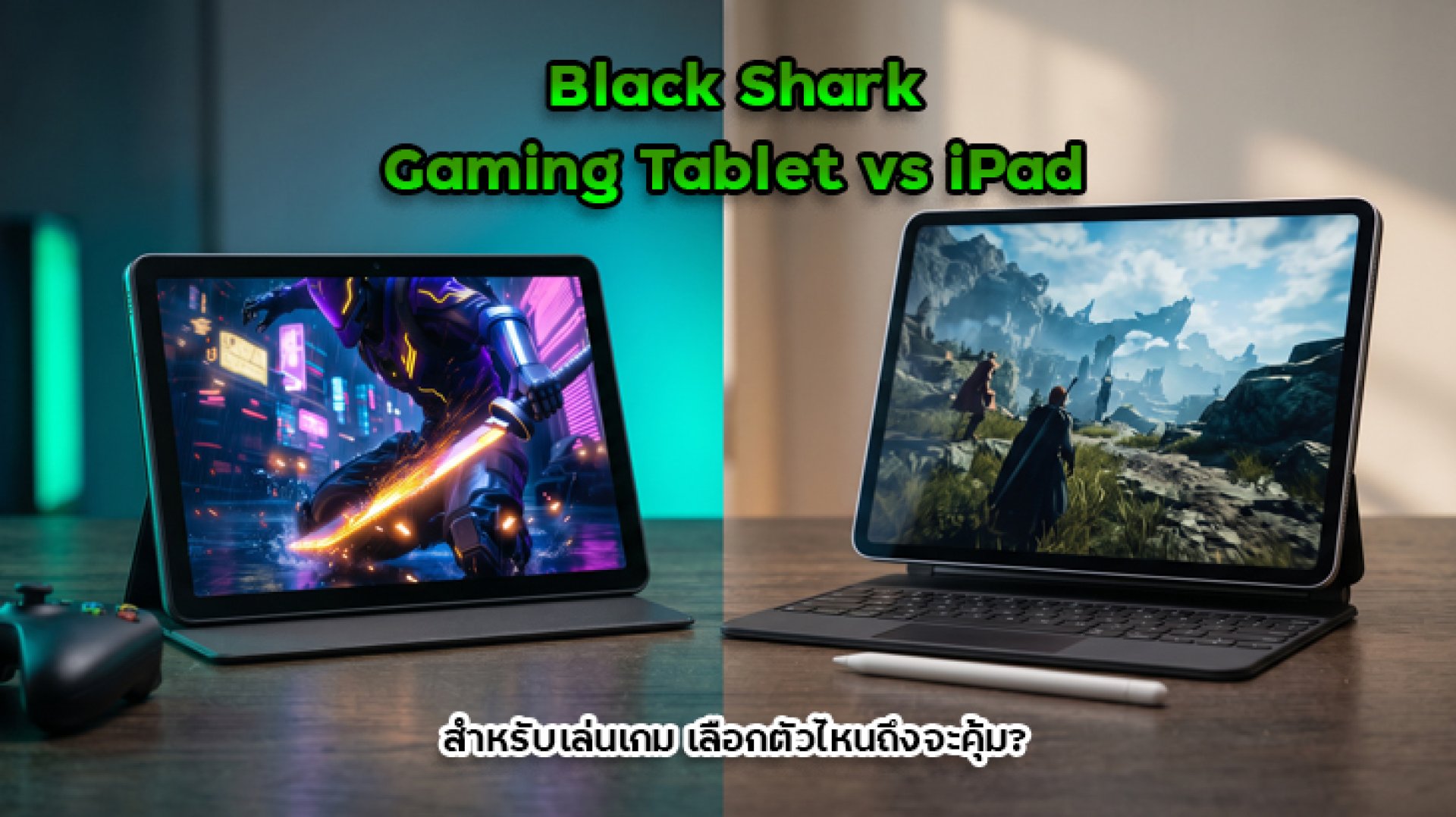
If you're looking for a new tablet for gaming, one question is worth asking: Black Shark Gaming Tablet vs iPadwhich one offers the better gaming experience? Black Shark focuses on gaming-oriented hardware, while Apple's iPad lineup is known for its powerful processors, app optimization, and broad selection of supported games.
However, choosing a gaming tablet involves more than comparing processor names or RAM capacity. Screen size, refresh rate, thermal performance, game compatibility, storage, battery life, and budget all matter. The best choice ultimately depends on the games you play and how you plan to use your tablet.
This guide compares the Black Shark Gaming Tablet with Apple's iPad lineup to help you choose a device that fits your gaming needs.
Black Shark Gaming Tablet vs iPad: What's the Difference?
The main difference is their design philosophy. The Black Shark Gaming Tablet is an Android tablet built around gaming-focused features, including a compact form factor and a high-refresh-rate display. Apple's iPad lineup offers several product tiers, from the standard iPad to the iPad Air and iPad Pro, with different processors, display technologies, and performance levels.
| Feature | Black Shark Gaming Tablet | Apple iPad |
|---|---|---|
| Operating system | Android | iPadOS |
| Processor | Snapdragon 8s Gen 3 | Varies by model, including A-series and M-series chips |
| Display size | 8.8 inches | Varies by model, from compact screens to 11 inches and larger |
| Display resolution | 2.5K | Varies by model |
| Refresh rate | Up to 144Hz according to published specifications | Varies by model; supported ProMotion models offer up to 120Hz |
| RAM | 12GB | Varies by model |
| Storage | 256GB, with microSD expansion support according to published specifications | Varies by model; microSD expansion is not supported |
| Game compatibility | Supported Android games and apps | Supported iPadOS games and apps |
| Main strengths | Compact design, high refresh rate, and expandable storage | Performance options, Apple ecosystem integration, and supported games |
Note: The iPad name covers several models with different specifications. A fair comparison requires identifying the exact iPad model. A 144Hz display also does not guarantee that every game will run at 144 frames per second.
1. Gaming Performance: Which Tablet Is More Powerful?
Black Shark Gaming Tablet: Built for Android Gaming
The Black Shark Gaming Tablet features a Snapdragon 8s Gen 3 processor and 12GB of RAM. This hardware combination is designed to handle a wide range of Android games, including action titles, competitive games, and RPGs with detailed environments and visual effects.
Its 8.8-inch display is another advantage for gamers who want more screen space than a typical smartphone offers without moving to a larger tablet. The compact form factor can be convenient for games that require holding the device and controlling the action with both hands.
Actual performance still depends on game optimization, graphics settings, operating temperature, and the game's own frame-rate limits.
iPad: Performance Depends on the Model
Apple's iPad lineup covers a wide range of performance levels. Models powered by M-series chips, such as certain iPad Air and iPad Pro generations, offer substantial processing capability and can handle demanding games that support their hardware. Standard iPad models can also run many popular games, although their performance and display features differ.
Some games are particularly well optimized for iPadOS, while certain graphics options or high-frame-rate modes may only be available on supported devices.
Verdict: Neither platform is automatically better in every game. To compare performance fairly, use the same game, similar graphics settings, comparable frame-rate limits, and similar testing conditions.
2. Black Shark's 144Hz Display vs iPad Displays
Refresh rate refers to how many times a display can update its image per second. A 144Hz screen can refresh up to 144 times per second, while a 120Hz screen can refresh up to 120 times per second and a 60Hz screen up to 60 times per second.
In games that support high frame rates, a higher refresh rate can make motion look smoother. This can be especially noticeable when moving the camera quickly or playing games that require responsive real-time controls.
| Feature | 144Hz Display | 60Hz Display |
|---|---|---|
| Maximum refresh rate | 144 times per second | 60 times per second |
| High-frame-rate gaming | Can provide smoother motion when the game supports it | Suitable for many games, but limited to 60Hz display refresh |
| Limitations | Requires compatible software and sufficient hardware performance | Cannot display refresh rates above 60Hz |
One important distinction is the difference between refresh rate and FPS (frames per second). A 144Hz display does not automatically make every game run at 144 FPS. If a game is limited to 60 FPS, it cannot deliver 144 unique frames per second simply because the screen supports that refresh rate.
Some iPad models feature ProMotion with refresh rates up to 120Hz, while other models use 60Hz displays. Check the exact model before buying if a high refresh rate is important to your gaming experience.
3. Screen Size and Comfort: Which Is Better to Hold?
Black Shark Gaming Tablet: Compact 8.8-Inch Display
The 8.8-inch display offers a balance between portability and screen space. It gives you more room than a typical smartphone while remaining smaller than many 11-inch tablets, making it a practical option for gamers who prefer holding their device.
The device is listed at approximately 332 grams in published specifications, which can make it easier to carry than larger tablets. However, comfort depends on hand size, accessories, grip, and how long you play.
iPad: More Screen Space for Gaming and Everyday Use
An iPad with an 11-inch or larger display may be better for players who want a bigger view of the game, more space for on-screen controls, or a tablet that doubles as a productivity and entertainment device. The iPad mini is a more compact alternative for users who prefer a smaller form factor.
A larger screen does not necessarily mean a better gaming experience for everyone. Some games place virtual controls near the edges of the display, and a larger device may be less comfortable to hold for extended sessions.
4. Android vs iPadOS: Which Gaming Platform Should You Choose?
Hardware is only part of the decision. The operating system affects game availability, app compatibility, accessories, and how well the tablet fits into your existing devices.
Advantages of Android Gaming
- Access to Android games and apps supported by the device.
- A broad selection of devices across different price ranges.
- microSD expansion support on the Black Shark Gaming Tablet according to published specifications.
- A natural fit for users who already use Android phones and services.
Advantages of iPad Gaming
- Integration with Apple's ecosystem for users who own other Apple devices.
- A selection of games and apps designed for iPadOS, depending on the model and region.
- Strong performance in supported games on iPads equipped with higher-end processors.
- Compatibility with a range of supported gaming controllers and other accessories.
Both platforms have limitations. Some games are exclusive to particular platforms, and certain features may differ between Android and iPadOS versions. Before purchasing a tablet, check whether your favorite games support the platform and features you want.
5. Storage Capacity and Game Installation
Modern games can require substantial storage space, and some download additional files after installation. Choosing the right storage capacity can therefore make a significant difference over the life of your tablet.
The Black Shark Gaming Tablet is listed with 256GB of internal storage and microSD expansion support. Check the specifications for the exact model sold in your market to confirm the supported card capacity and any limitations.
iPads do not support microSD cards, so you need to choose the internal storage capacity that suits your games, videos, and other files. If you plan to install several large games, a higher-capacity model may be more convenient.
Keep in mind that microSD support does not guarantee that every game can be installed or moved to the memory card. This depends on Android's storage rules, the game, and the device's software.
6. Battery Life and Heat During Gaming
The Black Shark Gaming Tablet is listed with a 7,300mAh battery and support for up to 67W wired charging in published specifications. However, battery capacity alone cannot establish whether it lasts longer than a particular iPad. Different devices use different processors, displays, and power-management systems.
For extended gaming sessions, consider the following factors:
- Device temperature: Heat buildup may cause a device to reduce performance to manage its temperature.
- Graphics settings: Higher resolutions and more demanding effects can increase power consumption.
- Refresh rate: Higher refresh-rate settings may use more power in certain situations.
- Screen brightness: Running the display at high brightness for long periods can drain the battery faster.
- Charging while playing: Use a reputable compatible charger and avoid blocking the device's ventilation or heat-dissipation surfaces.
To determine which tablet lasts longer in practice, test the same game at comparable brightness, graphics settings, and environmental conditions.
7. Black Shark Gaming Tablet vs iPad: Which Should You Buy?
Choose the Black Shark Gaming Tablet if...
- You mainly want an Android tablet for gaming.
- You value an 8.8-inch display with a refresh rate of up to 144Hz.
- You prefer a compact tablet that is easy to carry and hold while gaming.
- You want 256GB of internal storage with the flexibility of microSD expansion.
- Your favorite games support Android and can take advantage of the device's hardware.
Choose an iPad if...
- You want a tablet for gaming, studying, work, and video streaming.
- You already use Apple devices and want ecosystem integration.
- Your preferred games are available on iPadOS or offer platform-specific features.
- You are considering an iPad with an M-series chip for demanding supported games and other intensive tasks.
- You want to choose from several screen sizes and performance tiers.
Final Verdict: Black Shark Gaming Tablet vs iPad
If your main priority is Android gaming and you prefer a compact tablet with a 144Hz display, the Black Shark Gaming Tablet is worth considering based on its gaming-oriented specifications.
If you want a more versatile tablet for gaming and everyday tasks, or your preferred games are better suited to iPadOS, an iPad may be the better fit. The right choice depends on the model, its performance capabilities, and the features you actually need.
Before buying, check three things: which platform supports your favorite games, what frame rates those games can actually achieve, and how much you want to spend. These factors often matter more to your real-world experience than comparing individual specifications in isolation.
Frequently Asked Questions (FAQ)
Is the Black Shark Gaming Tablet better for gaming than an iPad?
Not in every situation. The Black Shark Gaming Tablet offers a compact design and a 144Hz display, while iPad performance varies by model and processor. Compare the same games under similar settings for a meaningful result.
Is a 144Hz display necessary for gaming?
No. It can improve motion smoothness in games that support high frame rates, but it is not essential for every player. If a game is limited to 60 FPS, you will not get the full benefit of 144 FPS gameplay.
Can you expand the Black Shark Gaming Tablet's storage?
Published specifications indicate microSD expansion support. However, installing or moving games to a memory card depends on the operating system, device software, and individual game.
Which iPad is best for gaming?
The best model depends on your budget, preferred games, and display requirements. Standard iPads can handle many games, while certain iPad Air and iPad Pro models with higher-performance chips may be better suited to demanding titles. Check the specifications of the exact model before purchasing.
Should you prioritize RAM or refresh rate when buying a gaming tablet?
Consider both alongside the processor, game compatibility, and thermal performance. More RAM does not automatically guarantee higher FPS, and a high-refresh-rate display cannot overcome performance limitations imposed by the hardware or game.