Why Do Bluetooth Headphones Have Audio Delay?
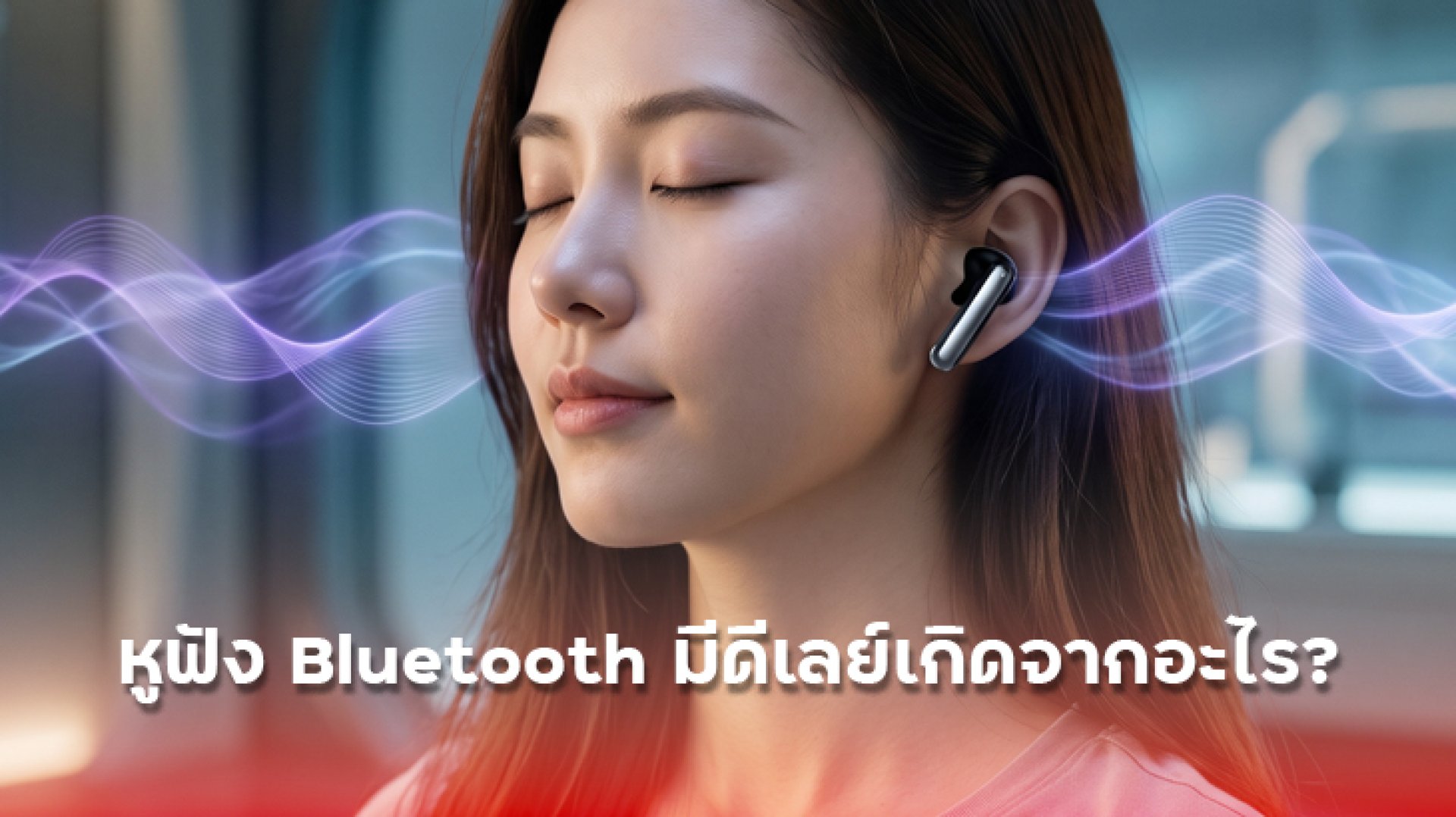
Have you ever played a game where your character fires a weapon, but the gunshot sound comes a moment later? Or watched a video where the actor's lips move before you hear the dialogue? This problem is known as Audio Latency, or audio delay, and it is one of the limitations associated with Bluetooth Headphone Latency. It can be particularly noticeable when playing games that require fast reactions and precise timing.
But do all Bluetooth headphones have noticeable audio delay? Can a newer Bluetooth version actually reduce latency? And if you want wireless headphones for gaming, should you focus on Latency or Bluetooth Codec specifications? This guide explains the common causes of audio delay and how to choose headphones that match your gaming needs.
What Is Bluetooth Headphone Latency?
Bluetooth Headphone Latency refers to the delay between the moment an audio signal is generated by a source device and the moment you actually hear it through your headphones. This delay is also known as Bluetooth Latency or Audio Latency and is measured in milliseconds (ms).
For example, when a character jumps in a game, the sound effect should ideally happen at the same time as the on-screen action. However, if your headphones have high latency, the sound may arrive after the visual event, making the experience feel unnatural. In FPS games, this delay can also affect how quickly you recognize footsteps, gunshots, and other important audio cues.
In general, lower latency means faster audio response. However, audio delay is not caused by the headphones alone. It also depends on the source device, audio processing, Bluetooth Codec, and operating system.
Why Do Bluetooth Headphones Have Audio Delay? 6 Common Causes
Audio that falls out of sync with video does not necessarily mean your headphones are defective. Several factors can contribute to delays when transmitting sound from a smartphone, computer, or gaming device to Bluetooth headphones.
1. Bluetooth Audio Encoding and Decoding
When audio is transmitted over Bluetooth, the source device must encode the audio data before sending it to the headphones. The headphones then decode the data and convert it into sound that you can hear. This process takes time and can introduce latency.
This process involves Bluetooth Codecs such as SBC, AAC, aptX, and LDAC. Each codec uses different audio-processing methods and has its own characteristics. However, a higher bitrate does not automatically mean lower latency. Processing speed and device configuration also play important roles.
2. Bluetooth Latency in the Source Device and Headphones
Both the headphones and the source device work together to transmit audio. If either device has limitations in its Bluetooth chipset or audio-processing system, the overall delay may increase.
Some headphones also apply additional audio processing, such as Equalizers, Active Noise Cancellation (ANC), or spatial audio. These features may introduce extra processing steps and affect latency, depending on how each model is designed.
3. Incompatible Bluetooth Codecs Between Devices
Even if your headphones support a low-latency codec, your smartphone or computer must support the same codec to use it. If the two devices do not share a compatible codec, the connection may use another supported option instead.
For example, if your headphones support aptX but your smartphone does not, the connection cannot use aptX. This is why checking codec compatibility between your headphones and source device is just as important as checking the headphone specifications themselves.
4. Bluetooth Signal Interference
Bluetooth operates in the 2.4GHz frequency band, which is also used by many other wireless devices, including Wi-Fi routers, wireless mice, and various electronic products. If there is significant interference or the headphones are too far from the source device, you may experience retransmissions, audio interruptions, or an unstable connection.
Wireless interference does not always increase latency in a predictable way, but it can make audio playback less consistent and affect the overall listening experience.
5. Slow Audio Processing in Games or Applications
Sometimes the problem is not caused by Bluetooth at all. It may come from the game, application, or operating system processing audio and video at different times. This can happen with games that use additional sound settings, applications that apply audio effects, or power-saving configurations that affect device performance.
If audio delay only happens in certain games while other applications work normally, check the game's audio settings and available updates before replacing your headphones.
6. Connecting to Multiple Devices Simultaneously
Headphones with Bluetooth Multipoint can stay connected to more than one device at the same time. However, this does not mean that they will always experience audio delay. In some situations, audio-source switching and connection management may affect the listening experience.
If you need highly responsive audio for gaming, try temporarily disconnecting other paired devices to see whether the problem is related to connection management or audio switching.
What Is a Good Bluetooth Latency Value?
Bluetooth Latency is measured in milliseconds. A lower number generally means less delay, but whether the delay is noticeable depends on the type of activity and how sensitive the user is to audio synchronization.
The following table provides a general reference for understanding latency. These ranges are illustrative guidelines, not universal performance standards or official headphone certifications.
| Latency | General Usage Experience |
|---|---|
| Below 40 ms | Very low delay, suitable for applications requiring fast response |
| 4080 ms | May provide a good gaming and video experience, depending on the system |
| 80150 ms | Audio delay may become noticeable in certain situations |
| Above 150 ms | Audio may noticeably fall behind video, especially in timing-sensitive games |
One important point is that latency figures published by manufacturers may come from different testing methods and conditions. Some measurements cover only a specific codec, while others measure the complete audio path from the source device to the headphones. Therefore, you should not directly compare numbers obtained using different testing methods.
How Do Different Bluetooth Codecs Affect Audio Latency?
A Bluetooth Codec is a technology used to encode and decode audio data between a source device and headphones. Different codecs have different characteristics in terms of audio quality, power consumption, and latency.
| Bluetooth Codec | Main Characteristics | Latency Considerations |
|---|---|---|
| SBC | Basic codec with broad compatibility | Latency depends on device configuration and audio processing |
| AAC | Commonly used on Apple devices and other compatible products | Actual latency varies depending on the system and implementation |
| aptX | Available in several versions with different audio transmission features | aptX Adaptive and aptX Low Latency have different latency capabilities |
| LDAC | Supports high-bitrate audio transmission | Focuses on audio quality and does not automatically provide the lowest latency |
| LC3 | Codec designed for Bluetooth LE Audio | Supports efficient audio system designs, but actual latency depends on implementation |
The important thing is not to assume that one codec is always the fastest. Real-world performance depends on the codec version, headphone design, source device compatibility, and system configuration.
Does Game Mode or Low Latency Mode Really Reduce Audio Delay?
Many modern Bluetooth headphones include a Game Mode or Low Latency Mode designed to reduce audio transmission delays. These modes may adjust audio processing and reduce the time required for certain processing steps.
When enabled, this feature may improve audio response during gaming, especially in games where sound effects need to stay synchronized with on-screen actions, such as FPS games, racing games, and action titles.
However, there are several things to consider:
- Wireless range may decrease: Some models may require a more stable connection and shorter operating distance.
- Battery consumption may increase: This depends on how Game Mode is implemented in each model.
- Audio quality may change: The headphones may adjust audio transmission or processing to prioritize speed.
- The source device must be compatible: Latency reduction still depends on the smartphone, computer, and game being used.
Game Mode can be useful, but you should not rely on marketing claims alone. Check independent performance tests and the manufacturer's operating conditions before making a purchase.
How to Fix Bluetooth Headphone Audio Delay
If your audio is out of sync with the video, you do not necessarily need to buy new headphones immediately. Try these troubleshooting steps first.
1. Enable Game Mode or Low Latency Mode
If your headphones include a low-latency mode, try enabling it through the headphone controls or the manufacturer's companion app. Then test the headphones in your game again to compare the results.
2. Check the Active Bluetooth Codec
Check which codecs are supported by both your headphones and source device. If you want to use a specific codec, make sure both devices support it. On some Android devices, you can view or select the active codec through Developer Options.
3. Reduce the Distance Between Your Headphones and Source Device
Keep your smartphone or laptop close to your headphones. Avoid physical obstacles and areas with many wireless devices to reduce the possibility of signal interference.
4. Temporarily Disconnect Other Devices
If your headphones are connected to both a smartphone and computer, try disconnecting the device you are not using. Test the audio again to determine whether the problem is related to audio-source switching or connection management.
5. Update Firmware and Your Operating System
Check whether a newer firmware version is available for your headphones. Also update your operating system and games, as audio-delay problems can sometimes be caused by software bugs.
6. Remove the Pairing and Reconnect
If the problem continues, remove your headphones from the Bluetooth device list on your smartphone or computer. Then pair them again, or reset the headphones according to the manufacturer's instructions.
How to Choose Bluetooth Headphones for Gaming
If you are buying Bluetooth headphones specifically for gaming, do not focus only on sound quality or design. Different game genres have different response requirements, especially games where sound provides important information for decision-making.
1. Choose Models with Low Latency Based on Real-World Tests
Pay attention to Audio Latency measured across the complete audio path, from the source device to the sound you hear through the headphones. Do not rely only on numbers shown in advertisements. If the manufacturer does not provide detailed measurements, look for independent reviews that explain their latency-testing methods.
2. Look for Game Mode or Low Latency Mode
This feature may help reduce audio delay in certain situations. It can be useful for people who regularly play games on smartphones, but make sure the mode works with your specific device.
3. Check Codec Compatibility with Your Device
Do not buy headphones simply because they support an advanced codec. Check whether your smartphone or computer supports the same codec so that both devices can use the intended audio transmission method.
4. Choose Headphones with a Clear Microphone
For online multiplayer games that require communication with teammates, microphone quality is important. Look for headphones that capture voices clearly, reduce background noise, and maintain stable voice transmission during gameplay.
5. Consider Comfort and Battery Life
If you play games for several hours, choose headphones with a comfortable fit, suitable weight, and sufficient battery life. Also check the actual battery performance when Game Mode is enabled.
6. Consider a USB Dongle or 2.4GHz Wireless Connection
If you play competitive games that require very fast responses, such as FPS games on a computer, wireless gaming headphones with a dedicated 2.4GHz USB Dongle may be a better option than standard Bluetooth headphones. These products are specifically designed for wireless audio use with compatible devices.
However, a 2.4GHz USB Dongle does not guarantee lower latency in every situation. Check independent test results and compatibility with your gaming console or computer before purchasing.
Bluetooth Headphones vs. Wired Headphones: Which Is Better for Gaming?
The answer depends on the type of game you play and how important fast response is to your experience. For casual games or titles that do not require competitive-level precision, Bluetooth headphones with Game Mode and low measured latency may be sufficient. However, for games that demand accurate timing or precise footstep detection, wired headphones or wireless headphones with a USB Dongle may be more suitable.
| Headphone Type | Advantages | Considerations |
|---|---|---|
| Bluetooth | Convenient, wireless, suitable for general use | Latency varies depending on the device and codec |
| Bluetooth with Game Mode | Designed to reduce audio delay during gaming | Performance depends on the model and source device |
| 2.4GHz Wireless USB Dongle | Suitable for gaming on PCs and compatible devices | Requires a dongle and compatibility checks |
| Wired Headphones | Avoids the complexity of Bluetooth audio transmission | Physical cables may restrict movement, and system processing can still introduce delay |
For people who mainly play games on smartphones, Bluetooth headphones with Game Mode may offer a good balance of convenience and performance. However, if you regularly play competitive games on a PC, consider gaming headphones with a 2.4GHz USB Dongle or a wired connection.
Frequently Asked Questions About Bluetooth Headphone Latency
Do All Bluetooth Headphones Have Audio Delay?
All Bluetooth audio systems require some time to transmit and process sound. However, the amount of latency varies depending on the headphones, codec, source device, and software. Some models have such low latency that the delay is barely noticeable during everyday use.
Does Bluetooth 5.0 or Bluetooth 5.3 Reduce Audio Delay?
Newer Bluetooth versions introduce improvements to wireless connectivity, but they do not guarantee lower audio latency in every situation. Actual delay still depends on the codec, headphone design, and audio processing performed by the connected devices.
Does Game Mode Completely Eliminate Audio Delay?
No. Game Mode may reduce latency on certain headphone models, but it cannot guarantee zero delay. Audio processing still takes place within the game, operating system, and source device.
Can Bluetooth Headphones Be Used for FPS Games?
Yes, but choose a model with low latency and reliable test results. For FPS games that require precise footstep detection and accurate enemy positioning, 2.4GHz USB Dongle headphones or wired gaming headphones may be more suitable.
Why Do My Bluetooth Headphones Only Have Audio Delay When Gaming?
The problem may be related to the game's audio processing, sound settings, or operating system. If music and video playback work normally, check the in-game audio settings and update the software before replacing your headphones.
Conclusion: Which Bluetooth Headphones Should You Choose for Gaming?
Bluetooth Headphone Latency is affected by several factors, including Bluetooth Codecs, audio processing, wireless signal stability, and the source device. Lower latency generally means faster audio response, but you should not make a purchasing decision based on a single specification alone.
For everyday use, watching movies, listening to music, or playing mobile games, Bluetooth headphones with Game Mode and independently tested low latency can be a practical choice. However, if you focus on competitive gaming that requires precise timing, 2.4GHz USB Dongle headphones or wired gaming headphones may be more suitable.
Before buying, check codec compatibility, device support, real-world latency measurements, and microphone quality. The best gaming headphones are not simply the ones with great sound quality. They should also deliver audio at the right moment so you can react when it matters most.