What Is Bluetooth Multipoint? Can Headphones Connect to a Phone and Laptop at the Same Time?
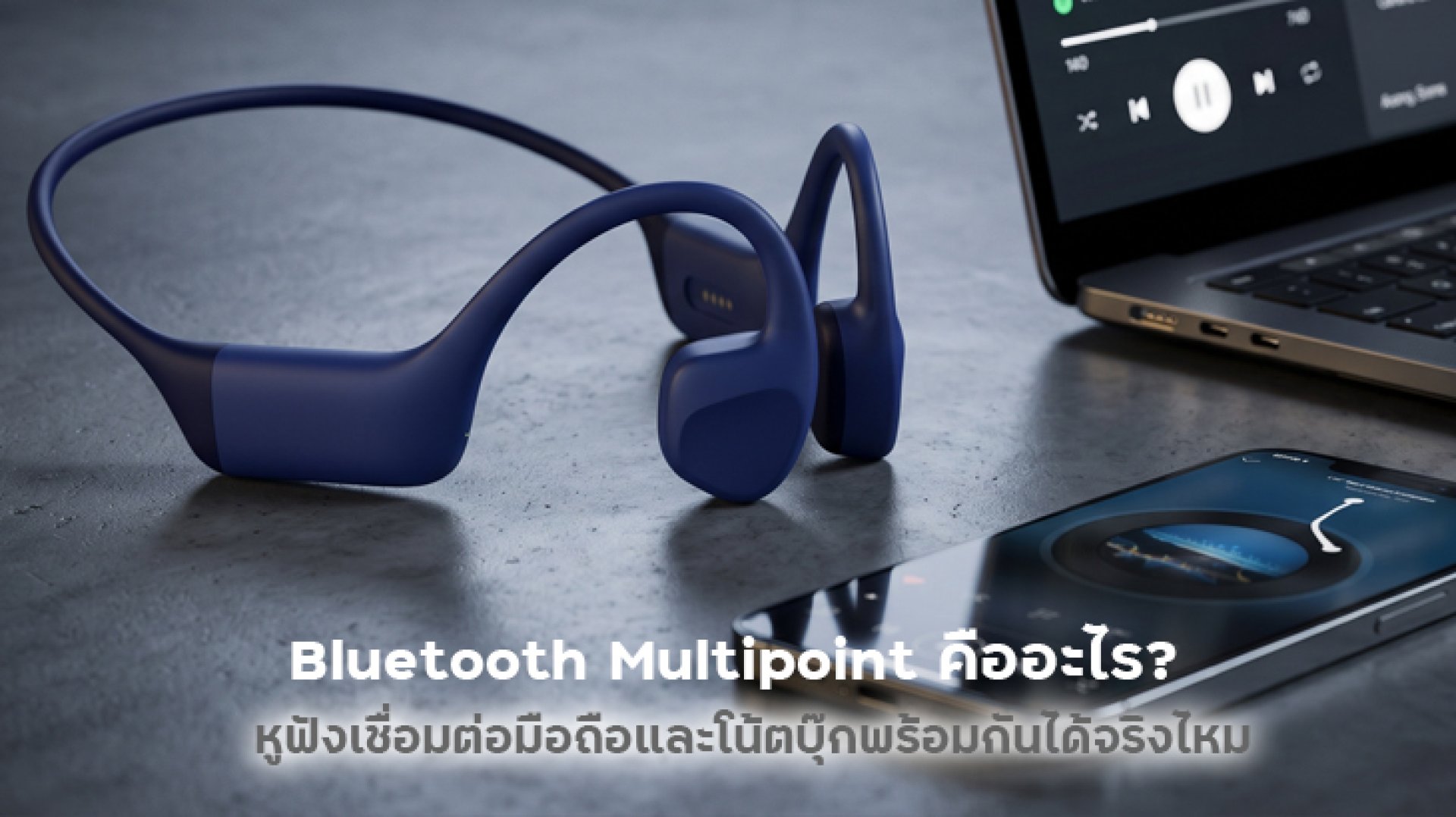
Have you ever been listening to music or attending an online meeting on your laptop when your smartphone suddenly rings? You may have to disconnect your headphones and reconnect them to another device just to answer the call. This is where Bluetooth Multipoint comes in. It is a feature that allows compatible Bluetooth headphones to stay connected to more than one device at the same time, such as a smartphone and a laptop.
But how does Bluetooth Multipoint work? Can you listen to audio from two devices simultaneously? And do all Bluetooth headphones support this feature? In this guide, we will explain how it works, how to set it up, its advantages and limitations, and what to consider before buying Multipoint headphones.
What Is Bluetooth Multipoint?
Bluetooth Multipoint is a feature that allows Bluetooth headphones to maintain connections with multiple source devices simultaneously. Most commonly, compatible headphones support connections to two devices, such as a smartphone and a laptop, or a tablet and a mobile phone.
The main advantage of Bluetooth Multipoint is that you do not need to disconnect from one device before connecting to another. Once both devices have been paired, your headphones can receive audio from the connected devices and switch between them according to the supported connection and audio-management features.
For example, you can connect your headphones to your laptop to listen to music or attend an online meeting while keeping your smartphone connected. When an incoming call arrives on your phone, some headphones can automatically switch to the phone call without requiring you to remove the headphones or reconnect manually.
How Does Bluetooth Multipoint Work?
Bluetooth Multipoint manages multiple Bluetooth connections through a single pair of headphones. However, maintaining multiple connections does not necessarily mean that the headphones can play audio from every connected device simultaneously. The headphones still need to manage audio priority and switching between different sources.
Here is a simple example of how Bluetooth Multipoint works in everyday situations:
- Device 1 Laptop: Used for listening to music, watching videos, or attending online meetings.
- Device 2 Smartphone: Remains connected to receive phone calls and notifications.
- When a call comes in: Compatible headphones may pause laptop audio and switch to the incoming phone call.
- After the call ends: The headphones may automatically resume laptop audio, or you may need to select the audio source again, depending on the model and connected devices.
This makes Bluetooth Multipoint particularly useful for people who regularly use multiple devices throughout the day, especially professionals who work on computers while staying connected to their smartphones.
Can Bluetooth Multipoint Connect a Phone and Laptop at the Same Time?
Yes. Bluetooth Multipoint can connect a smartphone and a laptop simultaneously, provided that the headphones support this feature and both devices meet the manufacturer's compatibility requirements. However, it is important to understand the difference between being connected to two devices and playing audio from both devices at the same time.
Connected to Two Devices Does Not Mean Playing Two Audio Sources Simultaneously
Most Bluetooth Multipoint headphones can maintain connections with two devices, but they generally handle audio from one primary source at a time. For example, while listening to music on your laptop, the headphones may pause the music and switch to your smartphone when an incoming call arrives.
If you want to hear audio from your smartphone and laptop simultaneously, you need to check whether the headphones specifically support simultaneous audio playback. Standard Bluetooth Multipoint does not guarantee this capability.
The Number of Supported Devices Depends on the Headphone Model
Different headphones support different numbers of simultaneous connections. Some models support two devices, while others may support more. Always check the manufacturer's specifications instead of assuming that every product with Multipoint support offers the same connection capacity.
Bluetooth Multipoint vs. Standard Bluetooth Pairing
You may wonder why Bluetooth Multipoint is necessary when regular Bluetooth headphones can already be paired with both a smartphone and a laptop. The key difference is whether the headphones can maintain active connections and switch between devices without requiring you to disconnect and reconnect manually.
| Feature | Standard Bluetooth | Bluetooth Multipoint |
|---|---|---|
| Remember multiple paired devices | Supported by many models | Supported |
| Maintain simultaneous connections | Generally limited to one primary audio connection | Supported within the specified device limit |
| Switch between a phone and laptop | May require manual reconnection | More convenient when supported |
| Receive phone calls while using a computer | May require switching connections | Some models can switch to incoming calls |
| Play audio from two devices simultaneously | Generally not supported | Not a standard Multipoint feature |
Another important distinction is that some headphones can remember several previously paired devices without maintaining active connections to all of them. This is often described as Multi-device Pairing. It is not the same as Bluetooth Multipoint.
Key Benefits of Bluetooth Multipoint for Everyday Use
1. Convenient Switching Between Smartphones and Laptops
People who work on computers while regularly using their smartphones can benefit significantly from Bluetooth Multipoint. You can move between devices more easily without repeatedly removing your headphones or opening the Bluetooth settings menu to reconnect.
2. Answer Phone Calls During Online Meetings
When both the headphones and connected devices support the appropriate audio-switching behavior, an incoming phone call may take priority over computer audio. The headphones can pause the laptop audio and switch to the call, helping you avoid missing important calls while working.
3. Ideal for People Who Use Multiple Devices
Whether you are a professional using a laptop and smartphone, a student working with a tablet and phone, or someone who frequently switches between videos and phone calls, Bluetooth Multipoint can make your daily workflow more convenient.
4. Reduces Repeated Connection Steps
Once the devices have been paired and configured, you do not need to manually select your headphones every time you switch between supported devices. This saves time and makes everyday headphone use less complicated.
Limitations of Bluetooth Multipoint You Should Know Before Buying
Although Bluetooth Multipoint makes switching between devices easier, it also has limitations. Understanding these points can help you choose headphones that match your expectations.
- Not all models support simultaneous audio playback: Most Multipoint headphones switch between audio sources instead of mixing audio from two devices.
- Audio switching may involve a short delay: Switching performance depends on the headphones, operating systems, and source devices.
- Notifications may behave differently: Some models may not play notification sounds from a device that is not currently the primary audio source.
- Online meetings may have limitations: Microphone behavior and audio-profile switching can vary across devices and operating systems.
- The number of connected devices is limited: Always check the maximum number of simultaneous connections supported by the manufacturer.
If your headphones do not switch audio as expected, the issue may be related to smartphone or computer settings rather than a hardware problem.
How to Connect Bluetooth Multipoint Headphones to a Phone and Laptop
The exact setup process varies by manufacturer and headphone model, but the general steps are usually similar.
Step 1: Activate Pairing Mode on Your Headphones
Turn on your headphones and enter Pairing Mode according to the manufacturer's instructions. This may involve holding down a Bluetooth button or using a dedicated button on the charging case for certain true wireless stereo (TWS) models.
Step 2: Connect Your Headphones to Your Smartphone
Open the Bluetooth settings on your smartphone, turn on Bluetooth, and select your headphones from the list of available devices. Wait until the connection status indicates that pairing is successful.
Step 3: Connect Your Headphones to Your Laptop
Enable Bluetooth on your laptop. Then, put your headphones into pairing mode again according to the model's instructions and select their name from the available Bluetooth devices to establish the second connection.
Step 4: Check the Multipoint Settings
If your headphones support Multipoint, check the manufacturer's companion app or user manual to see whether the feature needs to be enabled manually. Some models activate Multipoint automatically, while others require additional configuration.
Step 5: Test Audio Switching
Play music from your laptop and then make a test call to your smartphone. Check whether the headphones switch to the phone call correctly. After ending the call, see whether laptop audio resumes automatically or requires manual selection.
Note: If you cannot connect a second device, first confirm that your headphones actually support Multipoint. You should also check the supported device limit and the manufacturer's pairing instructions.
How to Choose Bluetooth Multipoint Headphones
If you are planning to buy new headphones with Bluetooth Multipoint, do not focus only on the price or design. Consider other features as well to make sure the headphones meet your actual needs.
1. Confirm That Bluetooth Multipoint Is Supported
Check the product specifications carefully to confirm that the headphones explicitly support Bluetooth Multipoint. A newer Bluetooth version or the ability to remember multiple paired devices does not automatically mean that simultaneous connections are supported.
2. Check the Number of Supported Devices
If you only use a smartphone and laptop, support for two devices may be sufficient. However, if you also want to connect a tablet, check whether the headphones support the number of simultaneous connections you need.
3. Choose a Good Microphone for Online Meetings
If you frequently attend online meetings, pay attention to microphone quality, voice noise reduction, and speech clarity. Multipoint makes switching between devices easier, but it does not automatically improve call quality.
4. Check Operating System Compatibility
Make sure the headphones work with the operating systems used by your devices, including Android, iOS, Windows, or macOS. You should also check whether certain apps or features have platform-specific limitations.
5. Consider Battery Life and Wearing Comfort
If you wear headphones throughout the workday, choose a model with sufficient battery life, a comfortable fit, and a lightweight design. Multipoint is most useful when the headphones are comfortable enough for regular everyday use.
Who Should Use Bluetooth Multipoint?
Bluetooth Multipoint is not essential for everyone, but it can be particularly useful for people who frequently switch between multiple devices.
- Office workers: Use a laptop for meetings while receiving calls on a smartphone.
- Students: Use a tablet for online classes while staying connected to a mobile phone.
- Hybrid workers: Switch between a home computer and smartphone throughout the day.
- Multi-device users: Regularly use Windows, macOS, Android, or iOS devices.
However, if you mainly use headphones with a single smartphone and rarely switch between devices, sound quality, microphone performance, and wearing comfort may be more important than paying extra for Multipoint support.
Frequently Asked Questions About Bluetooth Multipoint
Does Bluetooth Multipoint Work with Android and iPhone?
Yes, provided that the headphones support Multipoint and are compatible with the operating systems of your devices. Always check the manufacturer's compatibility information before purchasing.
Can Bluetooth Multipoint Connect Two Smartphones at the Same Time?
Yes. Some headphones support simultaneous connections to two smartphones. The connected devices do not necessarily have to be a computer and a phone. However, this depends on the headphone model and its specifications.
Can Bluetooth Multipoint Play Music from a Phone and Laptop at the Same Time?
Generally, no. Most Multipoint headphones are designed to maintain multiple connections and switch between audio sources rather than combine audio from two devices. If simultaneous playback is important to you, check whether the specific model supports this feature.
Does Bluetooth Multipoint Improve Sound Quality?
No, not directly. Multipoint is a connectivity and device-management feature, not an audio-enhancement technology. Sound quality still depends on the headphone drivers, Bluetooth codec, audio tuning, and source file quality.
Do All Bluetooth Headphones Support Multipoint?
No. Many Bluetooth headphones only support one primary audio connection at a time, even if they can remember several previously paired devices. Look for explicit Bluetooth Multipoint support in the product specifications before buying.
Conclusion: Is Bluetooth Multipoint Worth It for Multi-Device Users?
Bluetooth Multipoint is a useful feature that allows compatible headphones to connect to a smartphone and laptop at the same time. It is particularly convenient for people who regularly switch between devices, such as listening to music on a computer while receiving calls on a smartphone or attending online meetings while working.
However, simultaneous connections do not necessarily mean that headphones can play audio from every connected device at once. Most models manage and switch between audio sources according to their supported priority settings. Before buying, check the number of supported devices, operating system compatibility, and audio-switching capabilities.
If you use both a smartphone and laptop throughout the day, Bluetooth Multipoint can eliminate many small but repetitive connection steps and make your daily workflow more convenient.