Which Mobile Gaming Accessories Are Actually Essential? What Should You Buy First?
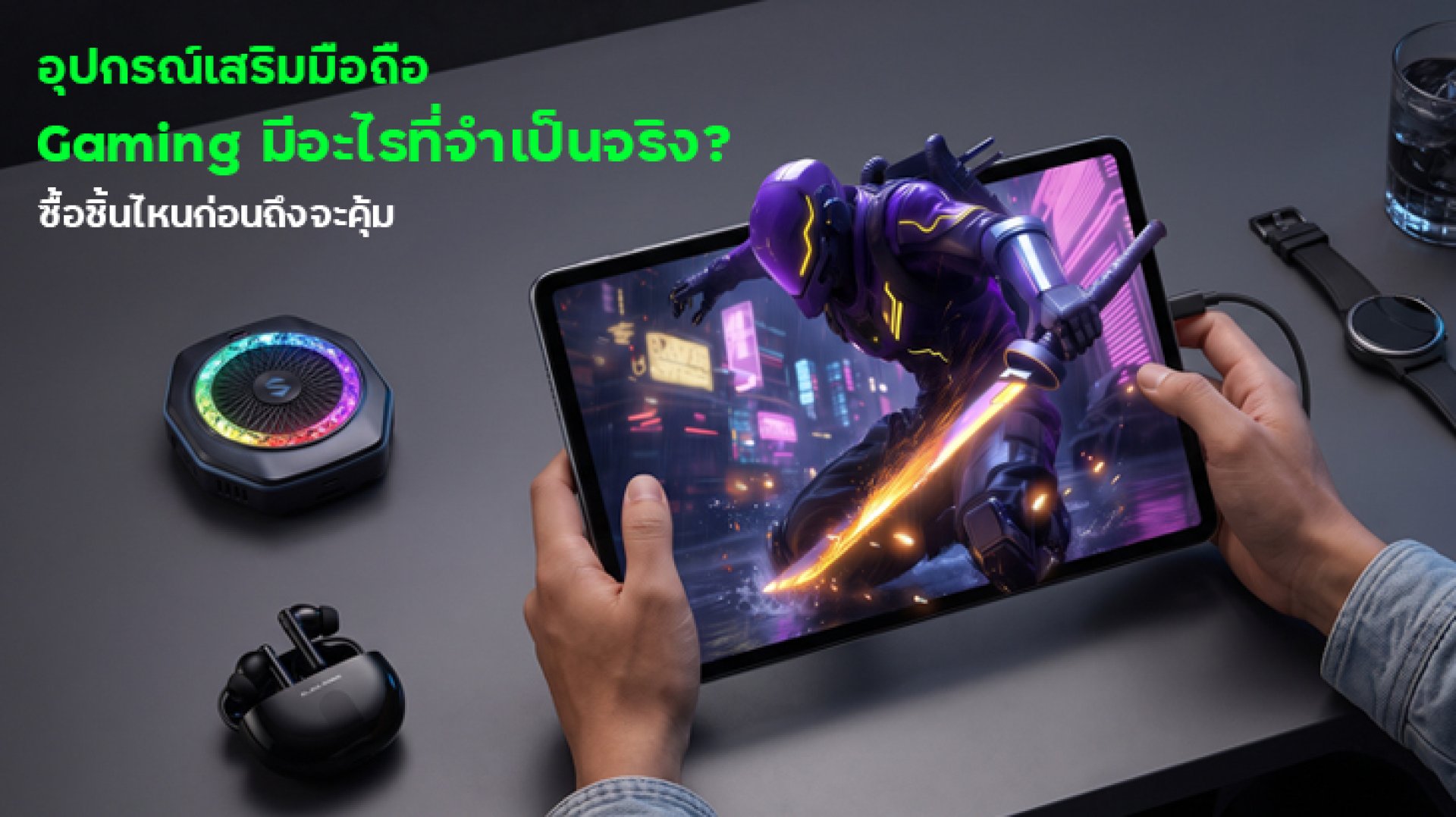
Mobile gaming accessories can make gaming more comfortable, improve control, and help you play for longer. But with so many products marketed to gamers, how do you know which ones are actually worth buying?
The answer depends on your gaming habits. If your fingers slip across the screen, finger sleeves may help. If your phone gets too hot during long sessions, a phone cooler could be useful. If you prefer physical buttons to touchscreen controls, a mobile gaming controller may be a better investment.
Instead of buying every gaming gadget you see, start by identifying the problem you want to solve. This guide covers six popular mobile gaming accessories, what they do, and which ones deserve priority.
6 Mobile Gaming Accessories Worth Considering
| Accessory | Main Benefit | Best For |
|---|---|---|
| Gaming finger sleeves | Smoother touchscreen movement | Players who experience sweaty or sticky fingers |
| Phone cooler | Helps manage heat during gaming | Players whose phones become excessively warm during demanding games |
| Mobile gaming controller | Physical buttons and joysticks | Games that support controller input |
| Gaming headset or earbuds | Audio clarity and communication | Competitive games and multiplayer sessions |
| Power bank | Extra battery capacity | Long gaming sessions away from a power outlet |
| Phone grip or stand | More comfortable handling or hands-free use | Players who want better support during extended sessions |
1. Gaming Finger Sleeves: Better Touchscreen Control
Gaming finger sleeves are lightweight covers worn on the fingertips that touch the screen. They are designed to reduce friction and help fingers glide more consistently across a touchscreen.
Who should use gaming finger sleeves?
- Players whose fingers become sweaty during intense matches.
- Mobile gamers who frequently swipe, aim, or move quickly across the screen.
- Players who want a more consistent touchscreen feel.
However, finger sleeves are not essential for everyone. Their effectiveness depends on the material, fit, screen surface, and personal preference. Some players may need time to adjust to the different feel.
Buying tip: Look for a comfortable fit, breathable material, and a fabric that works reliably with your phone's touchscreen. Test touch responsiveness before using them in a competitive match.
2. Phone Coolers: Useful for Long and Demanding Gaming Sessions
Modern mobile games can place a heavy load on a smartphone's processor and graphics hardware. During extended sessions, the phone may become warm, reduce performance, or lower its frame rate to manage heat.
A phone cooler attaches to the back of a compatible smartphone and helps remove heat. Depending on its design, it may use a fan, a thermoelectric cooling system, or another cooling method.
When is a phone cooler worth buying?
- You regularly play graphically demanding games for extended periods.
- Your phone becomes uncomfortably warm during gameplay.
- You notice performance drops that may be related to thermal limits.
A cooler is not a universal fix for lag. Network problems, background applications, game optimization, and hardware limitations can also affect performance. Cooling may help when heat is the actual cause, but it will not fix every frame-rate or connection issue.
Buying tip: Check your phone's dimensions, case compatibility, attachment method, power requirements, and whether the cooler obstructs your hands or charging port. Follow the manufacturer's instructions, especially when using models that cool below the surrounding air temperature.
3. Mobile Gaming Controllers: Physical Buttons for Supported Games
A mobile gaming controller adds physical controls, such as buttons, directional pads, and analog sticks. Some models connect directly through USB-C, while others use Bluetooth. Telescopic controllers hold a phone between two grips, creating a handheld-console-style setup.
What are the benefits of a mobile gaming controller?
- Physical controls can feel more comfortable for games designed around a controller.
- Analog sticks can provide more gradual movement than touchscreen input.
- Some controllers are suitable for mobile games, cloud gaming, remote play, and supported emulators.
The main limitation is compatibility. Not every mobile game supports controllers, and some games restrict external input or button-mapping tools. A controller may also block access to the charging port or fail to fit a phone with a bulky case.
Buying tip: Confirm that your phone and the games you play support the controller. Choose USB-C if you prefer a direct connection, or Bluetooth if wireless convenience matters more. Check the exact model's compatibility before purchasing.
4. Gaming Headsets and Earbuds: Clearer Audio and Team Communication
Audio can be an important part of mobile gaming. Footsteps, environmental cues, sound effects, and teammates' voices may all help you understand what's happening in a match.
A gaming headset or pair of earbuds can improve comfort and make communication easier, especially when playing multiplayer games. However, the best option depends on how you play.
Wired or wireless: Which should you choose?
- Wired earphones: A straightforward option with no Bluetooth pairing and generally low audio delay. Your phone must have a compatible audio connection or adapter.
- Bluetooth earbuds: Convenient for everyday use, but latency varies by device, codec, and connection. Check performance in your preferred games.
- Wireless gaming headsets with a dedicated transmitter: Some models offer lower latency than standard Bluetooth audio, but compatibility and additional hardware requirements vary.
Buying tip: Prioritize comfort, microphone quality, and connection performance rather than choosing a product based on the word "gaming" alone.
5. Power Banks: Extra Power for Gaming on the Go
Gaming can drain a phone's battery faster than light everyday tasks, particularly when the display brightness is high, the frame rate is elevated, or the game uses demanding graphics. A power bank can provide extra power when you are away from an outlet.
What should you check before buying a power bank?
- Capacity: A larger capacity generally provides more stored energy, although the amount delivered to your phone is lower than the rated capacity because of conversion losses.
- Output power: Check the charging wattage supported by both the power bank and your phone.
- Port availability: Make sure it has the right port and cable for your device.
- Size and weight: A compact model is easier to carry while travelling or gaming away from home.
Keep in mind that charging a phone while gaming can add heat. If your device becomes very warm, consider taking a break from gaming and charging until it cools down. Use a reputable power bank and compatible cable, and follow the manufacturer's safety guidance.
6. Phone Grips and Stands: More Comfortable Handling
Not every useful gaming accessory needs advanced technology. A phone grip can make a device easier to hold, while a stand can support hands-free gaming or keep the screen at a more comfortable viewing angle.
These accessories may be particularly useful during long sessions, but the right design depends on your preferred grip and the size of your phone.
What should you look for?
- A grip that feels secure without forcing your fingers into an awkward position.
- A stand that remains stable and supports your phone's weight.
- Materials that do not interfere with buttons, ventilation, or charging.
- A design that fits your phone case and is easy to carry.
Buying tip: Choose an accessory that improves your comfort without making your phone difficult to handle. More attachments do not automatically mean a better gaming setup.
Which Mobile Gaming Accessories Should You Buy First?
The best purchase order depends on the problem you experience most often. Use this table as a practical starting point rather than a universal ranking.
| Your Main Problem | Accessory to Consider First | What to Check |
|---|---|---|
| Fingers feel sticky or touchscreen movements are inconsistent | Gaming finger sleeves | Fit, material, and touch responsiveness |
| Phone becomes too hot during demanding games | Phone cooler | Cooling performance and phone compatibility |
| Touch controls feel uncomfortable or imprecise | Mobile gaming controller | Game support and device compatibility |
| Game audio or team communication is unclear | Gaming headset or earbuds | Microphone quality, comfort, and latency |
| Battery runs low during long sessions away from home | Power bank | Capacity, output wattage, and portability |
| Holding the phone for long periods feels uncomfortable | Phone grip or stand | Ergonomics, stability, and fit |
If your budget is limited, start with the accessory that addresses your most noticeable problem. For example, buying a cooler will not improve your aim if the real issue is touchscreen control. Similarly, a controller may not help if the game does not support controller input.
Which Gaming Accessories Can You Skip for Now?
Some accessories are useful only in specific situations. You do not need to buy everything marketed to mobile gamers.
- A phone cooler for short, casual sessions: You may not need one if your phone manages heat well during your usual gaming sessions.
- A controller for touchscreen-only games: Check game compatibility before spending money.
- Premium gaming audio for casual play: Your existing earphones may already meet your needs.
- Multiple grips and stands: One well-designed accessory may be enough.
- A high-capacity power bank you rarely carry: Choose a size that matches your actual travel and gaming habits.
Before buying an accessory, check whether changing your game settings, closing unnecessary background apps, adjusting your grip, or using your existing equipment can solve the problem. Sometimes the simplest solution is also the most cost-effective.
Checklist Before Buying Mobile Gaming Gear
- Identify the specific problem you want to solve.
- Confirm compatibility with your phone model and case.
- Check whether your favourite games support the accessory.
- Compare practical features rather than relying only on marketing claims.
- Consider comfort, portability, durability, and total cost.
- Read independent reviews and check the seller's warranty and return policy.
Conclusion: Buy for Your Gaming Needs, Not Just the Hype
The most useful mobile gaming accessories are the ones that solve real problems in your gaming routine. Finger sleeves may help with touchscreen control, a phone cooler may be useful when heat affects performance, and a controller can offer a more comfortable way to play supported games. A headset, power bank, or phone grip can also make a difference depending on your needs.
You do not need a complete gaming setup from day one. Start with one accessory that addresses your biggest challenge, check whether it makes a meaningful difference, and upgrade only when you have a clear reason to do so.
Frequently Asked Questions (FAQ)
1. What mobile gaming accessories are essential for beginners?
There is no single essential set for everyone. Start with accessories that solve a specific problem, such as finger sleeves for touchscreen comfort, a headset for clearer audio, or a power bank for longer sessions away from an outlet.
2. Does a phone cooler improve gaming performance?
A phone cooler may help when excessive heat causes a smartphone to reduce performance. It will not necessarily fix lag caused by a weak network, software issues, or hardware limitations.
3. Are gaming finger sleeves worth buying?
They may be worth trying if sweaty fingers or touchscreen friction affect your control. Their usefulness depends on the material, fit, touchscreen compatibility, and your personal preference.
4. Can I use a mobile gaming controller with any phone game?
No. Controller support varies by game and device. Confirm that your preferred games support external controllers before purchasing one.
5. Is it safe to charge a phone while gaming?
It is generally possible to use a phone while charging, but demanding games can increase heat. Use compatible charging equipment, avoid covering ventilation areas, and stop charging or gaming if the device becomes unusually hot. Follow the manufacturer's guidance.
6. Which accessory should I buy first on a limited budget?
Choose the accessory that addresses your biggest issue. If touch control is the problem, try finger sleeves. If heat is affecting performance, investigate cooling. If battery life is the concern, consider a suitable power bank.