Smart Watch Wet from Rain or Water: What Should You Do? Check Before Charging and Decide Whether to Repair or Replace
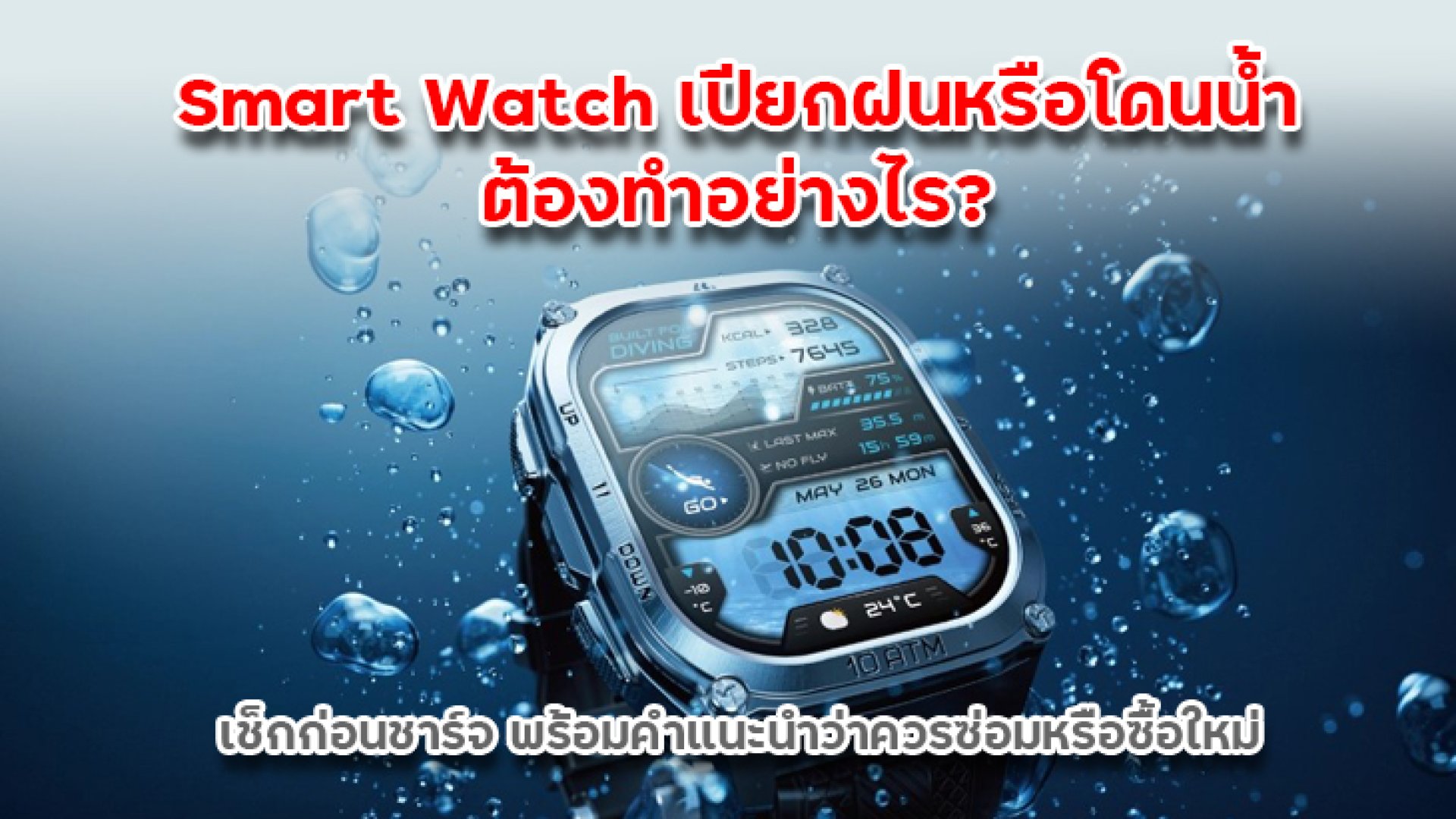
Although most modern smartwatches come with water-resistant features such as IP67, IP68, or 5ATM ratings, this does not mean they are completely immune to water damage in all situations. Many users mistakenly believe that water-resistant smartwatches can be safely used in any wet condition without risk, including swimming, showering, or charging immediately after exposure to water.
In reality, smartwatches can be exposed to water in many daily scenarios such as rain, hand washing, sweating during exercise, swimming in pools, seawater exposure, or accidental submersion. However, the level of risk varies depending on the type of water and exposure conditions. Seawater, chlorinated pool water, and moisture trapped around charging contacts can increase the risk of corrosion and long-term damage.
One of the most common questions is: "Can I charge my smartwatch after it gets wet?" The answer is no, you should not charge it immediately. Even if the device still works normally, residual moisture around the charging pins or magnetic contacts may cause charging failure, corrosion, or internal circuit damage.
This article explains what to do when your smartwatch gets wet from rain or water exposure, what you should avoid, how to check for water damage, and how to decide whether repair or replacement is more cost-effective.
Is a Smart Watch Really Waterproof? Understanding IP and ATM Ratings
Many smartwatches are labeled with water resistance ratings such as IP67, IP68, or 5ATM. However, these ratings are based on controlled laboratory conditions and do not guarantee full protection in all real-life situations.
For example, a 5ATM-rated smartwatch may be suitable for swimming in a pool but not for hot showers, saunas, diving, or high-pressure water sports. Heat and pressure can weaken the water-resistant seals over time.
What to Do Immediately When Your Smart Watch Gets Wet
- Remove the device from water immediately The longer it stays submerged, the higher the risk of internal leakage.
- Wipe the exterior thoroughly Use a soft microfiber cloth to remove water from the screen, case, and strap.
- Dry the charging area carefully Ensure no moisture remains on charging pins or magnetic contacts.
- If exposed to seawater or chlorine Rinse with clean water if supported by the manufacturer, then dry immediately.
- Let it air dry naturally Place it in a well-ventilated area away from direct sunlight or heat sources.
Things You Should NEVER Do After Water Exposure
- Do not charge the device immediately after it gets wet
- Do not use a hair dryer with hot air
- Do not place it in a microwave or oven
- Do not expose it to direct sunlight for long periods
- Do not press buttons excessively while the device is wet
- Do not shake the device aggressively to remove water
Can You Charge a Smart Watch After It Gets Wet?
You should not charge it immediately. Even if the smartwatch still functions, moisture on charging contacts can lead to unstable charging, corrosion, or permanent damage.
Make sure the device is completely dry before charging. This includes the screen, body, strap, and especially the charging pins or magnetic connectors.
Signs of Water Damage in a Smart Watch
- Charging failure or unstable charging connection
- Unresponsive or malfunctioning touchscreen
- Fog or condensation under the display
- Reduced speaker or microphone performance
- Battery drains faster than usual
- Device overheating
- Random restarts or failure to power on
If any of these symptoms occur, stop using the device and avoid charging it until it has been inspected.
Types of Water Exposure and Risk Levels
| Situation | Risk Level | Recommendation |
|---|---|---|
| Rain exposure | Low | Dry and check before use or charging |
| Sweat / hand washing | Low | Wipe regularly after use |
| Pool swimming | Medium | Rinse (if supported) and dry immediately |
| Seawater exposure | High | Rinse with fresh water and dry thoroughly |
| Full submersion / drop in water | Very High | Turn off device and do not charge immediately |
| Internal water ingress | Critical | Stop using and seek professional repair |
When Is It Safe to Charge Your Smart Watch?
Only charge the device when you are certain it is completely dry. Even if the surface looks dry, moisture may still remain inside the device or around the charging contacts.
It is recommended to wait several hours or even overnight before charging to ensure full dryness and safety.
Should You Repair or Replace a Water-Damaged Smart Watch?
The decision depends on the cost of repair compared to the value of the device.
- If repair cost is less than 30% of the device price Repair is usually worth it
- If repair cost is 3050% Consider usage age and condition
- If repair cost exceeds 50% Replacement is usually more cost-effective
Example:
- $50 smartwatch, $30 repair cost Not worth repairing
- $200 smartwatch, $40 repair cost Worth repairing
How to Prevent Future Water Damage
- Avoid hot water, saunas, and steam exposure
- Rinse after seawater exposure
- Do not charge while the device is wet
- Avoid pressing buttons underwater unless specified
- Check water-resistant seals over time
- Avoid impacts that may damage sealing
Conclusion
A wet smartwatch does not always mean it is permanently damaged, but the risk depends on the type of water exposure and how quickly it is handled. Rain or sweat exposure is generally low risk, while seawater, pool water, or full submersion significantly increases the chance of damage.
The most important rule is: never charge the smartwatch immediately after it gets wet. Always ensure it is completely dry before use. Repair decisions should be based on cost-effectiveness rather than surface-level functionality alone.
Proper care can significantly extend the lifespan of your smartwatch and reduce unnecessary repair costs in the long term.
Frequently Asked Questions (FAQ)
Can I charge my smart watch immediately after it gets wet?
No, you should not charge it immediately. Moisture on charging contacts can cause unstable charging, corrosion, or permanent damage.
Is a water-resistant smart watch completely waterproof?
No. Water resistance (IP67, IP68, 5ATM) does not mean waterproof. It only indicates protection under specific test conditions.
What should I do if my smart watch gets wet in the rain?
Wipe it dry immediately, remove excess moisture, and let it air dry completely before using or charging.
Can I use a hair dryer to dry my smart watch?
No. High heat can damage internal seals, adhesives, and battery components, increasing the risk of long-term damage.
How long should I wait before charging a wet smart watch?
You should wait until the device is completely dry, which may take several hours or overnight depending on exposure level.
What are the signs of water damage in a smart watch?
Common signs include charging issues, screen fogging, unresponsive touch, battery drain, overheating, or failure to turn on.
Should I repair or replace a water-damaged smart watch?
If repair costs are less than 3050% of the device price, repair may be worth it. Otherwise, replacement is often more cost-effective.
Can seawater damage a smart watch?
Yes. Seawater contains salt that can cause corrosion. It should be rinsed with fresh water (if supported) and dried immediately.