8GB vs 12GB RAM Gaming Tablets How Much Difference Does It Make?
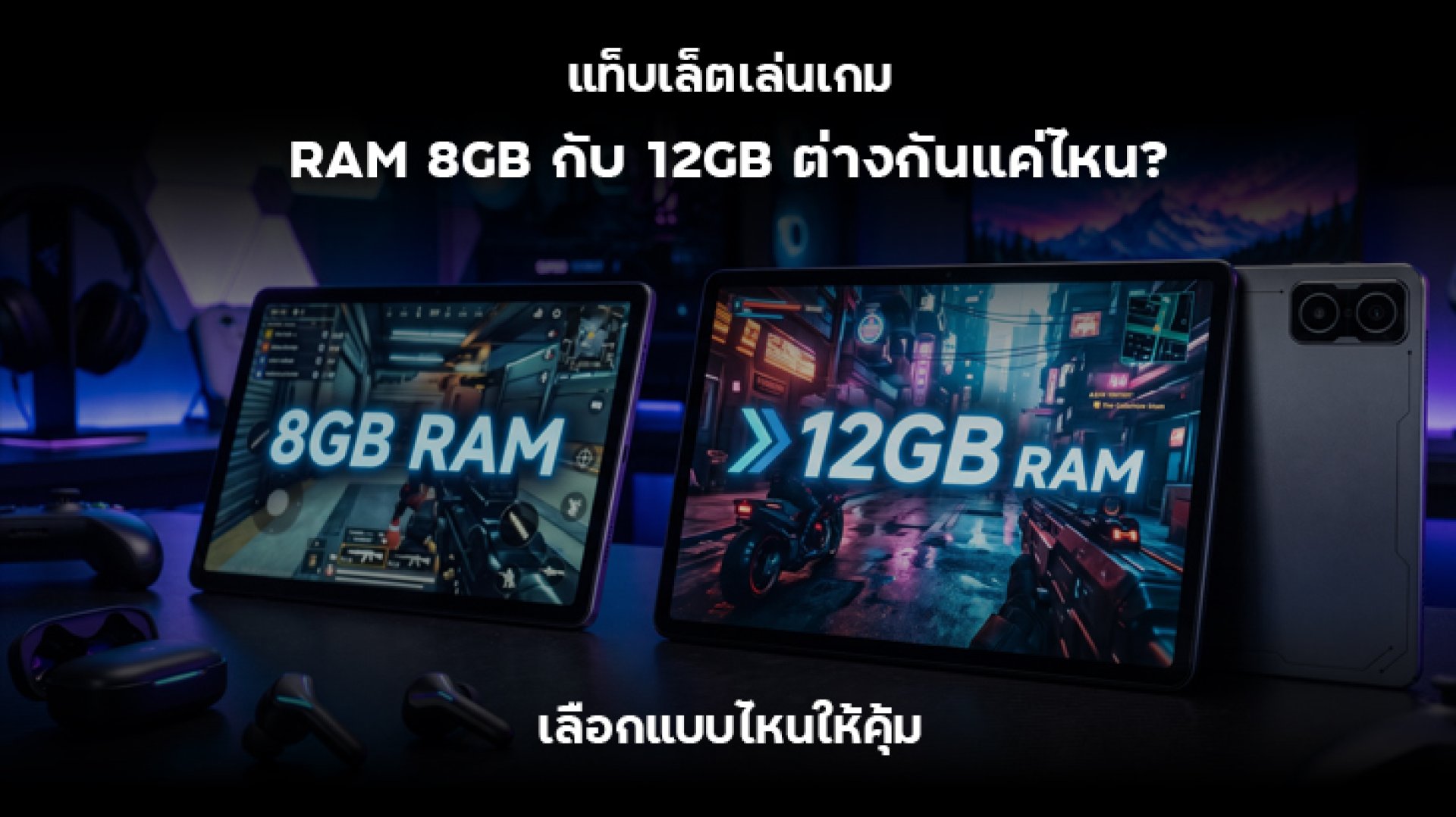
Shopping for a gaming tablet? One specification that often makes buyers hesitate is RAM. Some tablets come with 8GB of RAM, while more expensive models offer 12GB. But how different are an 8GB vs 12GB RAM gaming tablet in real-world use? Will spending extra on another 4GB of RAM make games run smoother, or is 8GB already enough for most gaming needs?
The short answer is that 12GB RAM offers more memory for keeping apps running in the background, switching between applications, and handling demanding workloads. However, it does not automatically deliver higher FPS than an 8GB tablet. Gaming performance also depends on the processor, GPU, cooling system, and software optimization.
In this guide, we will compare 8GB and 12GB RAM gaming tablets, explain where the differences matter, and help you decide which configuration offers the best value for your budget.
What Is RAM in a Gaming Tablet and Why Does It Matter?
RAM, or Random Access Memory, is temporary memory that stores data used by apps and games while they are running. Think of your tablet as a desk and RAM as the available workspace. The larger the desk, the more tasks you can keep open without having to put things away.
In a gaming tablet, RAM plays several important roles:
- Stores active game data: Helps the system manage information required while a game is running.
- Supports app switching: Makes it easier to switch between a game, messaging apps, and web browsers.
- Handles multitasking: Allows multiple applications to remain active in memory.
- Reduces app reloads: When enough RAM is available, the system may not need to close background apps as frequently.
However, RAM is not the only factor that determines tablet performance. A device with a powerful processor and good cooling can outperform a tablet with more RAM but a weaker chipset.
8GB vs 12GB RAM Gaming Tablet: What Are the Main Differences?
The biggest difference is memory capacity. A 12GB RAM tablet has 4GB more memory than an 8GB model, representing a 50% increase in capacity. However, that does not mean real-world performance will improve by 50%. The actual benefit depends on the games and applications you use.
| Comparison | 8GB RAM | 12GB RAM |
|---|---|---|
| Casual gaming | Enough for most games | More available memory |
| Graphics-intensive games | Depends on the game and chipset | More memory headroom |
| Switching between apps | Background apps may reload more often | Can keep more apps in memory |
| Gaming while using other apps | Suitable for basic multitasking | Better suited to heavier multitasking |
| Long-term use | Still suitable for everyday tasks | More memory capacity for demanding apps |
| Value for money | Good for budget-conscious buyers | Worth considering when the price difference is small |
Think of 8GB RAM as a desk with enough room for everyday work. A 12GB model gives you a larger workspace, which is useful when you have several tasks open at once. But if your workload is simple, the extra space may not make a noticeable difference.
Is 8GB RAM Enough for Gaming?
For many users, 8GB RAM is a practical choice for gaming and everyday tablet use. It can handle many games comfortably, especially when paired with a capable processor and a well-optimized operating system.
Casual games, strategy games, card games, simulation titles, and many online games do not necessarily require 12GB RAM, particularly when you are only running one game at a time.
When Is 8GB RAM Enough?
- You mainly play one game at a time.
- You do not frequently switch between multiple applications.
- You use your tablet for gaming, video streaming, browsing, and social media.
- You rarely run several apps alongside a game.
- You want a gaming tablet that offers good value without stretching your budget.
It is also important to check the processor and GPU. An 8GB tablet with a powerful chipset can deliver a better gaming experience than a 12GB tablet with a less capable processor.
Who Should Choose 12GB RAM?
A 12GB RAM tablet is a better fit for users who need more memory headroom, especially those who use their tablet for more than gaming. It can be useful for multitasking, studying, online meetings, document editing, and switching between several apps throughout the day.
When Does 12GB RAM Make a Difference?
- Gaming while using other apps: For example, using Discord to communicate with friends while playing.
- Frequent app switching: Moving between games, messaging apps, browsers, and other applications.
- Demanding games: Some games with large environments and extensive data requirements may benefit from additional memory, depending on their optimization.
- Productivity tasks: Opening documents, attending online meetings, and working with multiple apps.
- More memory headroom: Providing additional capacity for apps and workloads that may become more demanding over time.
The main advantage of 12GB RAM is not that every game suddenly runs at a higher frame rate. Instead, it gives the operating system more room to manage active and background applications.
Does More RAM Increase FPS?
This is one of the most common misunderstandings when comparing gaming tablets. A tablet with 12GB RAM does not automatically deliver higher FPS than an 8GB model.
FPS (Frames Per Second) refers to how many frames a game displays every second. Gaming performance depends on several hardware and software factors.
1. Processor and GPU
The system-on-chip (SoC) and graphics processing unit (GPU) handle game calculations and graphics rendering. For demanding games, processor and GPU performance are often more important than simply having additional RAM.
2. Cooling System
Gaming generates heat, especially during long sessions. If a tablet becomes too hot, the system may reduce processor performance to control temperature. This behavior is known as thermal throttling, and it can cause FPS drops or inconsistent frame rates.
3. Display and Refresh Rate
A 120Hz display can refresh the screen up to 120 times per second. However, this does not mean every game will run at 120 FPS. Actual frame rates depend on the hardware and whether the game supports that refresh rate.
4. Game and Software Optimization
Different games use system resources in different ways. Some rely heavily on GPU performance, while others require more memory to manage large environments, assets, and background processes.
Therefore, when comparing two tablets with the same processor and similar cooling systems, the FPS difference between 8GB and 12GB RAM may be small if the game does not use most of the available memory.
8GB vs 12GB RAM: Which One Should You Choose?
The best option depends on how you use your tablet. Instead of automatically choosing the largest RAM configuration, consider your gaming habits and daily workload.
| Usage | Recommended RAM | Reason |
|---|---|---|
| Casual gaming and video streaming | 8GB | Enough for most everyday tasks |
| Online gaming | 8GB12GB | Depends on the game and background apps |
| Long gaming sessions with demanding titles | 12GB, if other specs are comparable | Provides more memory headroom, but cooling and chipset performance still matter |
| Gaming while using Discord or a browser | 12GB | Better suited to multitasking |
| Studying and working with multiple apps | 12GB | More flexibility when switching between applications |
| Budget-focused gaming | 8GB | Allows you to spend more on other important specifications |
Choose 8GB RAM If...
You mainly play casual or moderately demanding games, use only a few applications, and want to keep your spending under control. Look for a tablet with a capable processor and good thermal management. These features can have a greater impact on gaming performance than simply increasing RAM capacity.
Choose 12GB RAM If...
You frequently switch between applications, play games while chatting with friends, or use your tablet for both entertainment and productivity. If the price difference is reasonable, 12GB RAM can provide additional flexibility for everyday use.
5 Other Specifications to Check Before Buying a Gaming Tablet
RAM is important, but it should not be the only specification you consider. If gaming is your main priority, check these five areas before making a purchase.
1. Processor and Chipset
Check the processor model and GPU capabilities. A powerful chipset is essential for demanding games, high graphics settings, and stable frame rates.
2. Cooling System
A good cooling system helps manage heat during extended gaming sessions. Better thermal management can help maintain more consistent performance over time.
3. Display and Refresh Rate
If you play competitive FPS games or fast-paced titles, a higher refresh rate can make motion appear smoother. However, check whether your preferred games support the available refresh rate.
4. Internal Storage
Many modern games require considerable installation space. Choose enough internal storage for your games, apps, photos, and videos. Also check whether the tablet supports microSD expansion.
Do not confuse RAM with storage. RAM is temporary memory used by running applications, while internal storage keeps your games, files, photos, and other data. They serve different purposes.
5. Battery and Charging
Gaming can consume considerable battery power, especially when running graphics-intensive titles. Check battery capacity, charging speed, and thermal management during charging to ensure the tablet suits your usage habits.
Can Virtual RAM Replace Real RAM?
Some tablets offer a memory expansion feature, often called Virtual RAM or RAM Expansion. This feature uses part of the internal storage as additional memory to help the system manage workloads in certain situations.
However, Virtual RAM does not perform like physical RAM. Internal storage has different speed and access characteristics, so it cannot fully replace real RAM.
For example, an 8GB tablet with an additional 4GB of Virtual RAM should not be considered equivalent to a tablet with 12GB of physical RAM. If two tablets have similar prices and specifications, the model with 12GB of actual RAM generally has the advantage in memory capacity.
Final Verdict: Is an 8GB or 12GB RAM Gaming Tablet Better Value?
When choosing between an 8GB vs 12GB RAM gaming tablet, the right option depends on your gaming habits, multitasking needs, and budget.
- 8GB RAM: Best for casual gaming, everyday apps, and buyers who want to keep costs down.
- 12GB RAM: Better for multitasking, frequent app switching, and users who want more memory headroom.
Most importantly, do not judge a gaming tablet by RAM alone. Processor performance, GPU capability, cooling, and display quality all contribute to the overall gaming experience.
Remember: 8GB RAM does not automatically mean poor gaming performance, and 12GB RAM does not guarantee higher FPS. Choose the configuration that matches your actual needs and gives you the best value for your money.
Frequently Asked Questions About Gaming Tablet RAM
1. Can an 8GB RAM tablet run demanding games?
Yes, in many cases. An 8GB tablet can run demanding games if its processor and GPU are powerful enough. However, check each game's system requirements and supported graphics settings before buying.
2. Is 12GB RAM smoother than 8GB RAM for gaming?
Not necessarily. A 12GB tablet has more memory available for games and background apps, but gaming smoothness and FPS also depend on the processor, GPU, cooling system, and game optimization.
3. What is the minimum RAM recommended for a gaming tablet?
8GB RAM is a practical choice for many users who want to play games and handle everyday tasks. However, you should also check the requirements of your preferred games and consider the tablet's overall specifications.
4. Do I need 12GB RAM to play PUBG Mobile?
No, 12GB RAM is not always necessary for PUBG Mobile. Processor performance, GPU capability, display quality, and supported frame rates are more important considerations. An 8GB tablet may be sufficient if the rest of its hardware is suitable.
5. Is Virtual RAM the same as physical RAM?
No. Virtual RAM uses part of the internal storage as additional memory. It has different performance characteristics and cannot fully replace physical RAM.
6. Is it worth paying extra for 12GB instead of 8GB RAM?
It may be worth the extra cost if you multitask frequently, play demanding games, or plan to use your tablet for several years. If you mainly play casual games, consider spending the difference on a better processor or more internal storage instead.
References
- Android Developers: Memory Management Understanding how Android manages application memory.
- Android Developers: Memory Overview An overview of memory behavior in Android applications.
- Android Official Website Information about the Android operating system and devices.