Auto Keystone vs Lens Shift: What Is the Difference and Which Should You Choose?
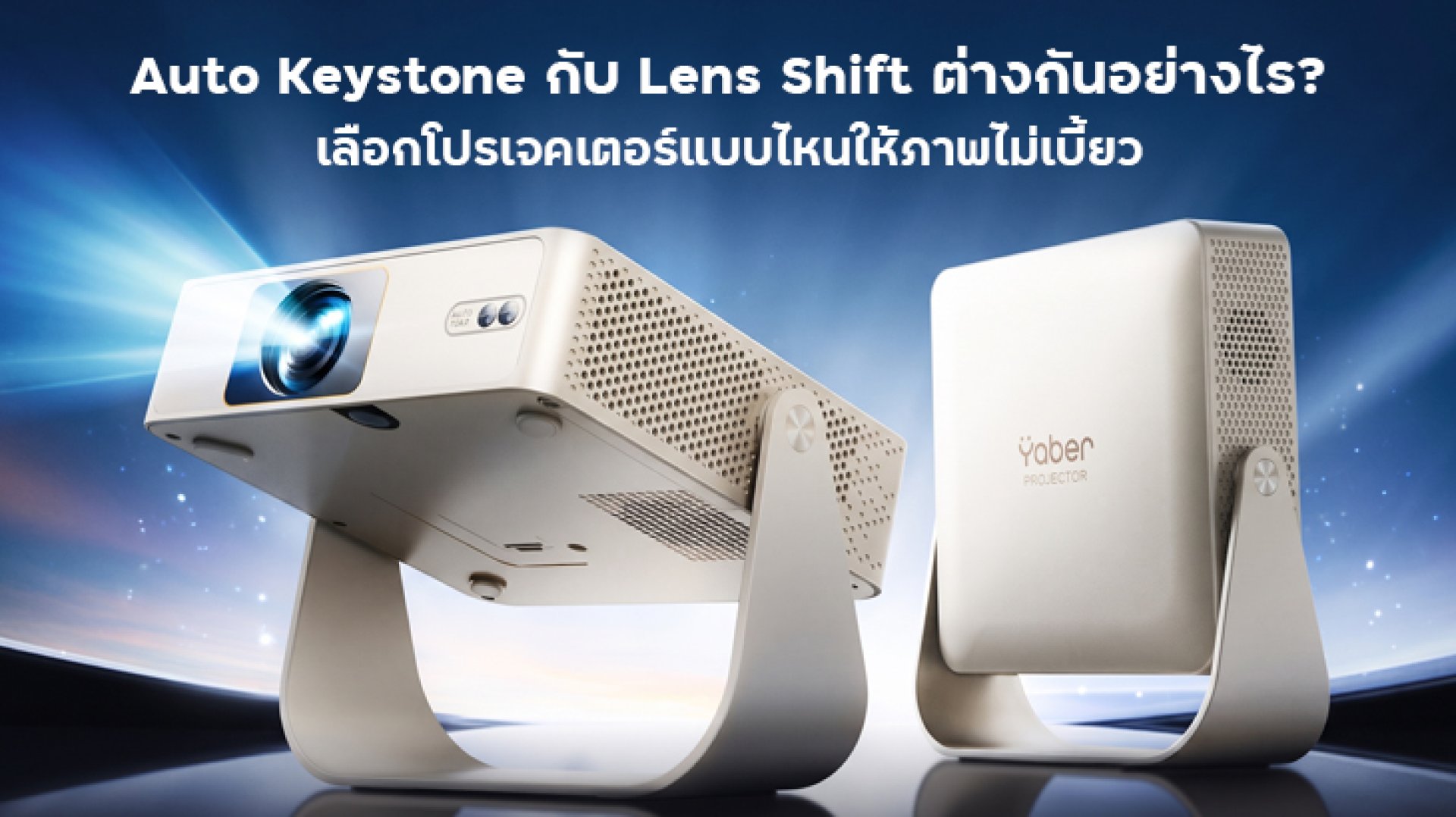
Auto Keystone vs Lens Shift is an important comparison when choosing a projector, especially if you want a properly aligned image without spending too much time adjusting the setup. Both features help position a projected image, but they work in different ways. Auto Keystone automatically corrects image distortion caused by an angled projector, while Lens Shift physically moves the projection lens to reposition the image without requiring the projector itself to move.
Understanding the difference between Auto Keystone vs Lens Shift can help you choose a projector that suits your room, installation space, and viewing habits. If you plan to move your projector between rooms, automatic correction may be more convenient. If you want a permanent home theater installation with greater control over image placement, Lens Shift can offer more flexibility while preserving image resolution.
What Is Auto Keystone on a Projector?
Auto Keystone is a feature that automatically corrects the shape of a projected image when the projector is tilted or positioned at an angle relative to the screen. Instead of manually adjusting the image, the projector uses its supported sensors and image-processing system to correct the distortion.
For example, if you place a projector on a low table and point it upward toward a wall, the projected image may appear wider at the top or bottom, creating a trapezoid shape. Auto Keystone can automatically adjust the image geometry to make it look more rectangular.
How Does Auto Keystone Work?
Auto Keystone uses digital image correction to compensate for the angle between the projector and the projection surface. Depending on the model, it may correct vertical distortion, horizontal distortion, or both. Some projectors also provide automatic image positioning or screen-fitting features, but these are separate capabilities that should be checked in the specifications.
Not every projector has the same correction range. Some models only correct vertical distortion, while others support horizontal and rotational adjustments. Performance may also depend on the projection angle, distance, screen size, and surrounding conditions.
Advantages of Auto Keystone
- Easy setup: The projector can automatically correct supported image distortion without extensive manual adjustment.
- Convenient for portable use: Useful when moving a projector between a bedroom, living room, or another viewing area.
- Less time spent aligning the image: Helpful for people who want to start watching movies quickly.
- Useful for flexible placement: Can compensate for some positioning errors when the projector cannot be placed perfectly straight.
Limitations of Auto Keystone
- Digital processing can affect image quality: Correction may involve rescaling or cropping the image, potentially reducing effective detail.
- Correction has limits: Severe angles may exceed the projector's supported range.
- Image size may change: Depending on the correction method, the usable image area can become smaller.
- It does not replace proper placement: Correcting the image digitally cannot solve every installation or focus problem.
Auto Keystone is convenient, but the best starting point is still to position the projector as squarely as possible toward the screen. Use automatic correction to fine-tune the image rather than relying on it to compensate for a poor installation.
What Is Lens Shift on a Projector?
Lens Shift is a projector feature that allows the projection lens to move vertically, horizontally, or in some cases in both directions. This lets you reposition the image on the screen without tilting or physically moving the entire projector.
Imagine mounting a projector on the ceiling while the center of the lens does not line up perfectly with the center of the screen. With a projector that has sufficient Lens Shift range, you can move the projected image up, down, left, or right to achieve the desired alignment while keeping the projector in its installed position.
How Does Lens Shift Work?
Unlike digital keystone correction, Lens Shift uses physical optical movement to change the position of the projected image. The lens moves within its supported adjustment range, allowing the image to be repositioned while maintaining its rectangular geometry when used correctly.
Lens Shift does not automatically mean that a projector can be installed anywhere. The available adjustment range varies by model and lens. Vertical and horizontal adjustment limits may also interact, so you should consult the manufacturer's specifications before deciding where to mount the projector.
Advantages of Lens Shift
- Preserves image resolution: Because it repositions the image optically rather than digitally reshaping it, Lens Shift does not reduce resolution through keystone processing.
- Flexible installation: Helps align the image when the projector is mounted above, below, or slightly to one side of the screen.
- Useful for permanent setups: Particularly valuable in home theaters and rooms with fixed projector mounts.
- More control over image placement: Lets you make adjustments without moving the projector itself.
Limitations of Lens Shift
- Not available on every projector: It is more common on certain home theater and installation models than on basic portable projectors.
- May increase the purchase cost: Projectors with optical adjustment features can cost more than entry-level alternatives.
- Has a defined adjustment range: The image cannot be shifted indefinitely in any direction.
- Does not automatically correct every distortion: Lens Shift changes image position, but it is not a substitute for keystone correction when the image is geometrically distorted.
Lens Shift is especially useful when you want a clean, accurately aligned image in a fixed installation. However, it should be treated as an optical positioning tool rather than an automatic image-correction system.
Auto Keystone vs Lens Shift: Key Differences
The main difference between Auto Keystone vs Lens Shift is that Auto Keystone corrects the shape of a distorted image digitally, while Lens Shift moves the image optically. Both can improve the setup, but they solve different problems.
| Feature | Auto Keystone | Lens Shift |
|---|---|---|
| Primary purpose | Automatically corrects image geometry | Moves the image position |
| How it works | Digital image processing | Physical movement of the projection lens |
| Corrects trapezoid distortion | Yes, within the supported range | Not by itself |
| Preserves native image resolution | May reduce effective detail | Yes, when used within its optical range |
| Installation flexibility | Helpful for quick adjustments and changing positions | Helpful for controlled image placement in fixed installations |
| Automatic operation | Available on supported models | Usually adjusted manually or through supported motorized controls |
| Availability | Common on many portable and smart projectors | More common on selected home theater and installation models |
| Best use case | Convenient everyday setup | Precise optical alignment |
One important point: Lens Shift and Auto Keystone are not necessarily competing features. Some projectors provide both, allowing you to use optical adjustment for the main positioning and digital correction for minor remaining distortion when needed.
Which Is Better for Picture Quality?
If image quality is your priority, Lens Shift generally has an advantage when you need to reposition an image without changing its geometry. Because it uses optical movement, it can preserve the projector's native resolution instead of digitally reshaping the image.
Auto Keystone is still useful, particularly when convenience matters more than achieving the most precise optical setup. However, digital correction can require rescaling or cropping, which may reduce effective detail or create unused borders around the corrected image. The visible impact depends on the projector, the amount of correction, and the image-processing method.
For the best results, use the following order:
- Place the projector at the recommended distance from the screen.
- Align the projector as squarely as possible with the projection surface.
- Use Lens Shift if your model provides it and the image needs repositioning.
- Use Auto Keystone or manual keystone correction for remaining geometric distortion.
- Adjust focus and image size, then check the edges and corners for clarity.
This approach reduces the need for extensive digital correction and helps you get the most out of the projector's optical system.
Which Feature Is Better for a Bedroom or Small Living Room?
The best choice depends on how you plan to use the projector and how much freedom you have to position it.
Choose Auto Keystone for Flexible, Everyday Viewing
Auto Keystone is a practical choice if you frequently move the projector between a bedside table, a shelf, or a temporary viewing spot. It can make setup easier when the projector is not perfectly aligned with the wall, provided the angle is within the supported correction range.
For example, if you use a portable projector to watch movies in the bedroom at night and store it away during the day, automatic correction can save time whenever you set it up again. Just remember that the projector still needs adequate ventilation and a stable surface.
Choose Lens Shift for a Fixed Home Theater Setup
Lens Shift is more suitable when you intend to keep the projector in one location, such as on a ceiling mount or a dedicated shelf. It helps you position the image accurately without tilting the projector or relying heavily on digital correction.
If your room layout makes it difficult to align the projector with the screen, Lens Shift can provide more installation flexibility, provided the model has enough vertical or horizontal adjustment for your setup.
Does a Projector Need Both Auto Keystone and Lens Shift?
No. Most users do not necessarily need both features. The right choice depends on the installation, budget, and how often the projector will be moved.
For casual viewing, a projector with reliable Auto Keystone may be sufficient. If you are building a dedicated home theater and care about precise alignment and preserving native resolution, Lens Shift is a valuable feature. If a model includes both, that can offer additional flexibility, but it is worth checking whether the price difference fits your needs.
Also, do not confuse Lens Shift with digital image shift. Some projectors let you move the image through digital processing or zoom controls, but those functions do not necessarily provide the same benefits as physical optical Lens Shift.
How to Check These Features Before Buying a Projector
Before choosing a projector, look beyond feature names in the product listing. Check the manufacturer's official specifications and user manual to understand exactly what the model supports.
- Check the correction directions: Determine whether Auto Keystone supports vertical correction only or both vertical and horizontal correction.
- Check the correction range: Make sure the supported angle suits your intended placement.
- Confirm Lens Shift availability: Verify that the model has actual optical Lens Shift rather than digital image repositioning.
- Review vertical and horizontal ranges: Check the specified adjustment limits and whether both can be used simultaneously.
- Consider installation distance: Throw ratio and zoom range affect image size and placement, and neither is replaced by Keystone or Lens Shift.
- Check focus performance: Some projectors offer autofocus, but autofocus and Auto Keystone are separate functions.
- Read the manual: Menu names, supported adjustments, and limitations vary between projector models.
Checking these details before buying can help you avoid choosing a projector that cannot fit your room layout or deliver the image alignment you expect.
Frequently Asked Questions About Auto Keystone and Lens Shift
Is Auto Keystone the same as Lens Shift?
No. Auto Keystone digitally corrects the shape of a distorted projected image, while Lens Shift physically moves the projection lens to reposition the image without moving the entire projector. They solve different problems.
Does Auto Keystone reduce image quality?
It can. Digital keystone correction may involve rescaling or cropping the image, which can reduce effective detail or create unused borders. The effect depends on the projector and the amount of correction applied.
Does Lens Shift preserve image resolution?
Lens Shift can reposition the image without reducing its native resolution through digital keystone processing. For best results, stay within the manufacturer's specified optical adjustment range.
Is Lens Shift necessary for a home projector?
Not necessarily. A projector with suitable placement options and Auto Keystone may be enough for casual viewing. Lens Shift is especially useful for fixed installations where accurate optical image positioning is important.
Can I use Auto Keystone and Lens Shift together?
Some projectors support both features. When available, Lens Shift can be used for optical positioning, followed by limited keystone correction if necessary. Check the user manual because available combinations and adjustment limits vary by model.
Will Auto Keystone let me place a projector anywhere?
No. Auto Keystone only works within the model's supported correction range. The projector still needs an appropriate projection distance, a suitable surface, and reasonable alignment to produce a good image.