How Do Gaming Finger Sleeves Improve Touchscreen Control?
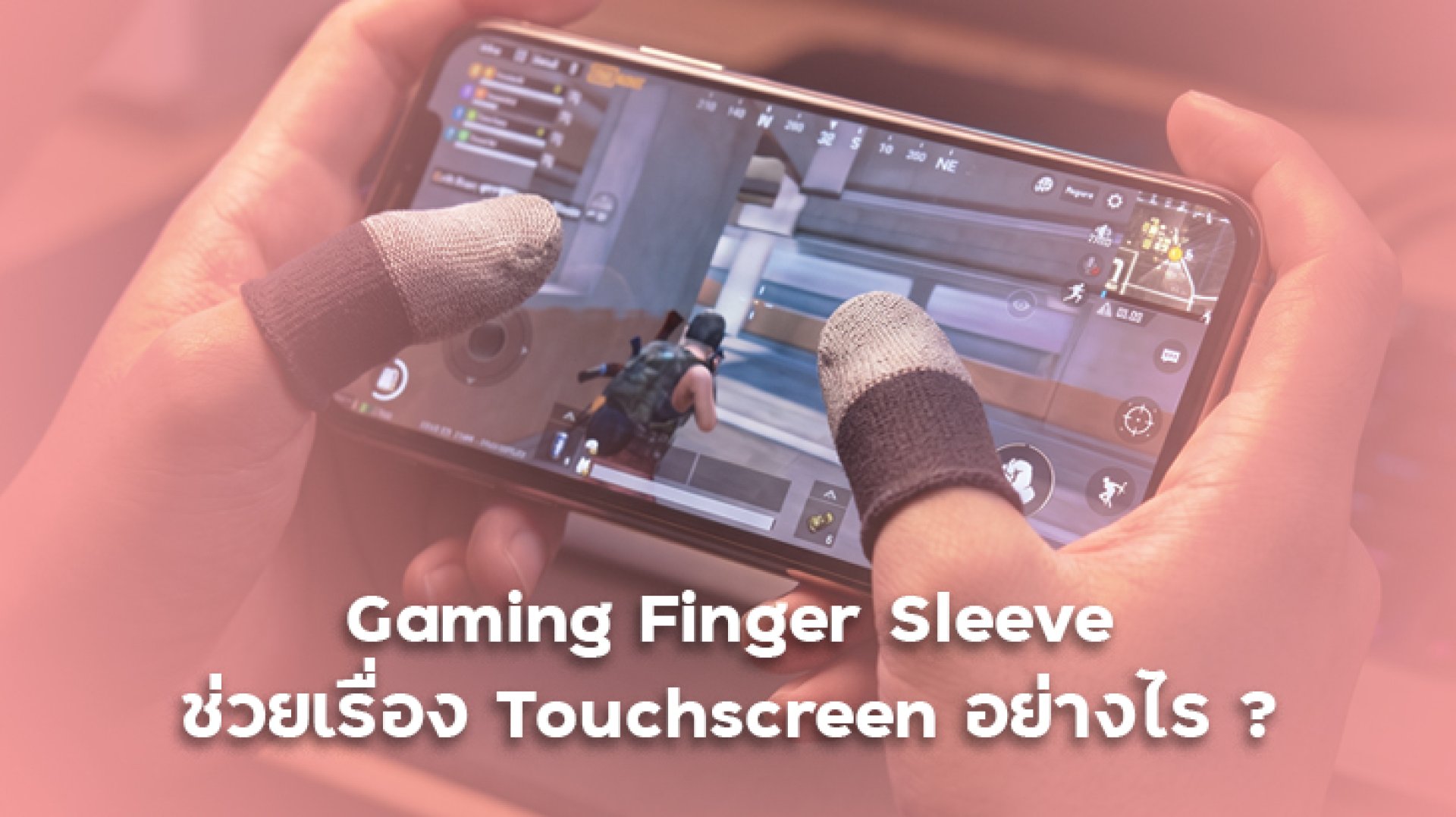
Gaming finger sleeves are small accessories that can make mobile gaming feel smoother and more consistent, especially when your fingers become sweaty during long sessions. But how can a thin fabric sleeve interact with a touchscreen without preventing it from detecting your finger?
The answer comes down to three factors: electrical conductivity, surface friction, and moisture management. A well-designed gaming finger sleeve can help your finger glide more consistently across the screen while maintaining touchscreen compatibility. However, it does not automatically increase your phone's touch sampling rate or guarantee better gaming performance.
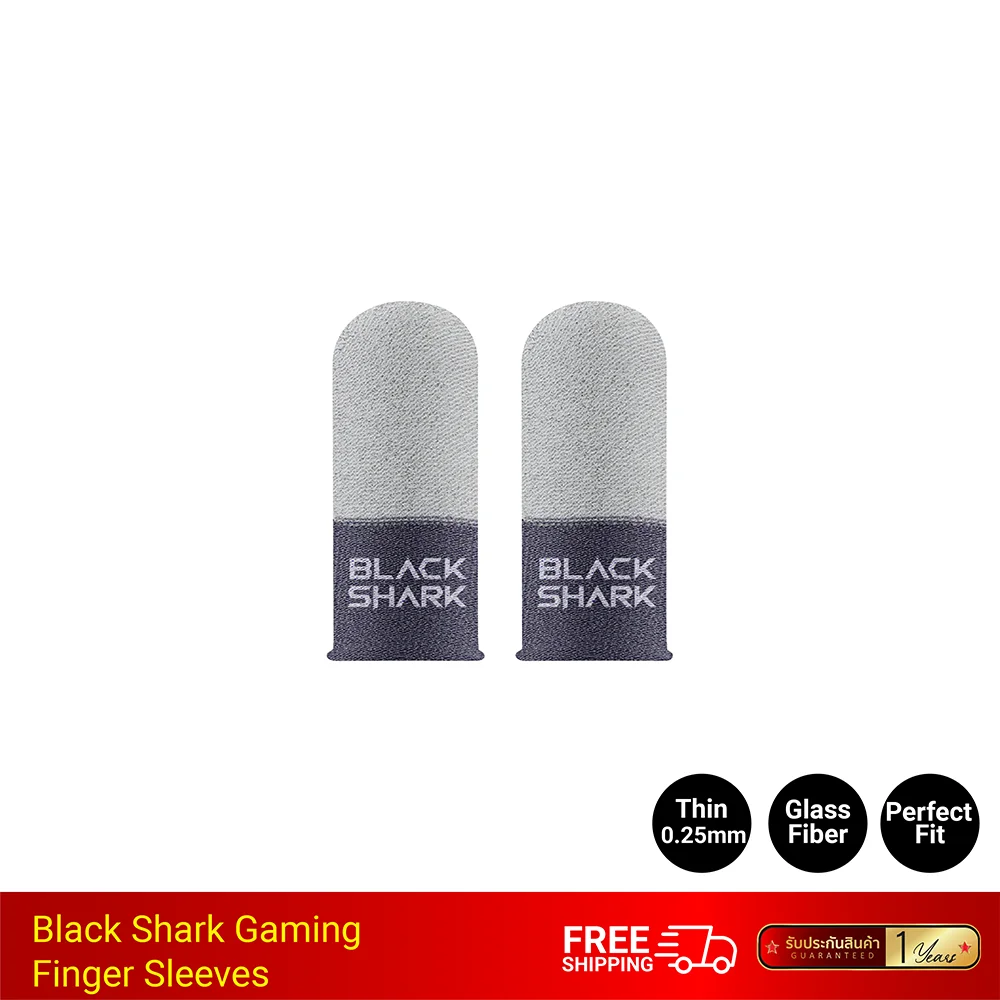
1. How Do Gaming Finger Sleeves Work with a Touchscreen?
Most modern smartphones use capacitive touchscreens. Instead of relying on physical pressure alone, these screens detect changes in an electrical field when a conductive object, such as a fingertip, interacts with the display.
When you tap, swipe, or drag your finger across the screen, the touchscreen system detects the interaction and translates it into an input. This is how you control your character, aim, move the camera, or activate abilities in mobile games.
However, placing ordinary fabric between your finger and the screen can interfere with touch detection because many fabrics do not conduct electricity effectively.
Gaming finger sleeves address this issue by using specially designed materials that maintain electrical interaction with capacitive touchscreens. Depending on the product, these materials may include conductive fibers, silver fiber, or other conductive textile blends.
Why Is Conductivity Important?
- Reliable touch detection: Conductive materials help the touchscreen register taps and swipes through the sleeve.
- Consistent movement: Suitable fabric construction helps maintain contact while your finger moves across the display.
- Fewer touch interruptions: A compatible sleeve may reduce missed inputs associated with poor contact, although results vary by device and product.
Not every finger sleeve is designed for touchscreen use. A sleeve made from ordinary non-conductive fabric may prevent the screen from detecting your finger reliably, so check for explicit capacitive touchscreen compatibility before buying.
2. How Can Finger Sleeves Improve Touchscreen Control?
The main advantage of gaming finger sleeves is not that they make a phone's touchscreen technically faster. Instead, they can change the way your finger moves across the display and help make that movement more consistent.
Reduce Friction During Fast Swipes
When playing FPS, battle royale, or MOBA games, you may need to swipe quickly to aim, track an opponent, move the camera, or trigger an ability. Bare skin can sometimes drag or stick against the glass, especially when your fingers are sweaty.
A suitable gaming finger sleeve creates a different contact surface between your finger and the screen. This can make swipes feel smoother and more predictable, helping you maintain better control over repeated movements.
Manage Sweat During Long Gaming Sessions
Sweat can change the way your finger interacts with the screen. Depending on the amount of moisture and the screen surface, your finger may feel sticky, slide inconsistently, or produce unreliable touch inputs.
Some gaming finger sleeves use moisture-managing fabrics that help keep sweat from accumulating directly between your fingertip and the display. The effectiveness depends on the material, construction, fit, and amount of perspiration.
Make Repeated Movements Feel More Consistent
In mobile games, small differences in finger movement can affect aiming and camera control. If your fingertip alternates between sticking and sliding, it may be harder to repeat the same movement comfortably.
A well-fitting sleeve can provide a more consistent gliding surface. This may help players who experience sweaty fingers or excessive friction, but it will not replace practice, appropriate sensitivity settings, or good control techniques.
3. What Is the Difference Between Touch Responsiveness and Touch Sampling Rate?
These terms are often confused when discussing gaming finger sleeves and mobile gaming performance.
| Term | What It Means | Can a Finger Sleeve Change It? |
|---|---|---|
| Touch responsiveness | How reliably the screen registers your taps, swipes, and other interactions. | It may help maintain more consistent contact if sweat or friction is causing problems. |
| Touch sampling rate | How frequently the touchscreen system samples touch input, usually expressed in Hz. | No. A sleeve does not directly increase the phone's hardware sampling rate. |
| Touch latency | The time between a physical touch and the corresponding system response. | It does not inherently reduce device latency, although more reliable contact may reduce some input problems. |
| Swipe consistency | How predictably your finger moves across the display. | Potentially. The result depends on the sleeve material, fit, and individual preference. |
For example, a phone with a 240 Hz touch sampling rate does not become a 480 Hz device simply because you wear finger sleeves. The potential benefit is a more consistent physical interaction with the existing touchscreen, not an upgrade to its underlying hardware.
4. Which Materials Are Commonly Used in Gaming Finger Sleeves?
Material selection affects conductivity, comfort, flexibility, durability, and the way a sleeve feels against the screen. Common materials include conductive fibers, silver fiber, microfiber, nylon, and spandex blends.
| Material | Common Purpose | What to Check |
|---|---|---|
| Silver fiber | Provides conductive properties for touchscreen interaction. | Actual touchscreen compatibility and fabric quality. |
| Conductive fiber blends | Help maintain electrical contact with capacitive displays. | Consistency of touch registration during taps and swipes. |
| Microfiber | Can provide a soft surface and help manage moisture. | Breathability, durability, and how the fabric feels during movement. |
| Nylon and spandex | Often contribute flexibility, elasticity, and a secure fit. | Stretch recovery, comfort, and whether the sleeve stays in place. |
A material name alone does not guarantee good performance. The complete fabric construction, conductive elements, thickness, and fit all influence how the sleeve works with a particular phone.
5. How to Choose Gaming Finger Sleeves for Better Touchscreen Control
If you are considering gaming finger sleeves, focus on the problems you want to solve rather than choosing a product based only on its appearance or advertised specifications.
Check Capacitive Touchscreen Compatibility
Choose a sleeve specifically designed for touchscreen devices. If the product description mentions conductive fiber or silver fiber, check whether the manufacturer explicitly confirms compatibility with capacitive smartphone screens.
Choose a Comfortable Fit
The sleeve should fit securely without being excessively tight. If it slips, bunches up, or covers your fingertip unevenly, it can interfere with consistent movement and become uncomfortable during extended play.
Consider Sweat Management
If sweaty fingers are your main concern, look for breathable materials designed to manage moisture. A sleeve that feels comfortable in a short test may feel different after a longer gaming session, so consider comfort and moisture buildup over time.
Test Touch Detection Before a Competitive Match
Try the sleeve in a practice area or a low-pressure game session before using it in a competitive match. Test repeated taps, diagonal swipes, camera movement, and the gestures you use most frequently.
If the screen misses inputs or movement feels less natural, check the sleeve's fit and condition. You may need a different design, or you may find that playing without a sleeve works better for you.
6. Do Gaming Finger Sleeves Improve Gaming Performance?
Gaming finger sleeves can be useful, but the benefits depend on your individual needs and the quality of the product.
They may be worth trying if:
- Your fingertips become sweaty during extended gaming sessions.
- Your fingers sometimes stick to the screen during fast swipes.
- You want a more consistent gliding feel for aiming or camera control.
- You find direct skin contact with the screen uncomfortable during long sessions.
They may provide little benefit if your fingers already move smoothly, your touchscreen registers inputs reliably, and you do not experience problems with sweat or friction.
Remember that finger sleeves cannot fix every touchscreen issue. Screen protectors, dirty displays, software problems, device limitations, and game settings can also affect the experience.
7. How to Test Whether Finger Sleeves Work for You
You do not need specialized equipment to make a practical comparison. Try the following simple test under similar conditions:
- Clean the screen: Remove fingerprints, oil, and dirt before testing.
- Choose a repeatable task: Use the same aiming drill, camera movement, or swipe pattern each time.
- Test without a sleeve: Pay attention to friction, missed touches, comfort, and movement consistency.
- Test with a sleeve: Repeat the same task using the sleeve and the same game settings.
- Compare the experience: Check whether the sleeve improves comfort and consistency without making touch detection less reliable.
For a fair comparison, keep your device, screen settings, and test conditions as similar as possible. One short session is not enough to prove that a sleeve improves accuracy for every player, but it can help you decide whether the accessory suits your playing style.
Frequently Asked Questions (FAQ)
Do gaming finger sleeves make a touchscreen more sensitive?
Not necessarily. A compatible sleeve may help maintain reliable touch interaction when sweat or friction causes problems, but it does not directly increase the touchscreen's hardware sensitivity.
Can finger sleeves reduce touch latency?
They do not inherently reduce the phone's processing or touchscreen latency. They may help make finger movement and contact more consistent, which can reduce some practical input problems.
Why does my phone not respond when I wear finger sleeves?
The sleeve may use non-conductive fabric, have unsuitable construction, fit poorly, or be incompatible with your device or screen protector. Check the product's touchscreen compatibility and test the screen with and without the sleeve.
Are silver fiber finger sleeves better than ordinary fabric sleeves?
Silver fiber can provide the conductivity needed for capacitive touchscreen interaction, but the material name alone does not guarantee better performance. Look at the overall construction, fit, durability, and confirmed touchscreen compatibility.
Are gaming finger sleeves necessary for mobile gaming?
No. They are optional accessories. They can help players who experience sweaty fingers or inconsistent finger movement, but players who already have comfortable, reliable touchscreen control may not need them.
Conclusion
Gaming finger sleeves improve touchscreen control mainly by changing the contact surface between your finger and the display. When designed with suitable conductive materials, they can maintain touchscreen compatibility while helping manage sweat and making finger movement feel more consistent.
They do not directly increase touch sampling rates or guarantee faster response times. The best choice is a sleeve that fits comfortably, works reliably with your phone, and solves a real problem in your gaming experience.
References
- ThaiSuperPhone: What Are the Best Gaming Finger Sleeves? How to Choose by Material, Thickness, and Conductivity
- ThaiSuperPhone: What Are Black Shark Gaming Finger Sleeves? Benefits, Features, and Who Should Use Them
- ScienceInsights: What Materials Can Be Used on a Touch Screen?
- Contact Mechanics Between the Human Finger and a Touchscreen Under Electroadhesion