Does a Smartwatch Need a SIM to Make Calls? Bluetooth Calling vs 4G LTE
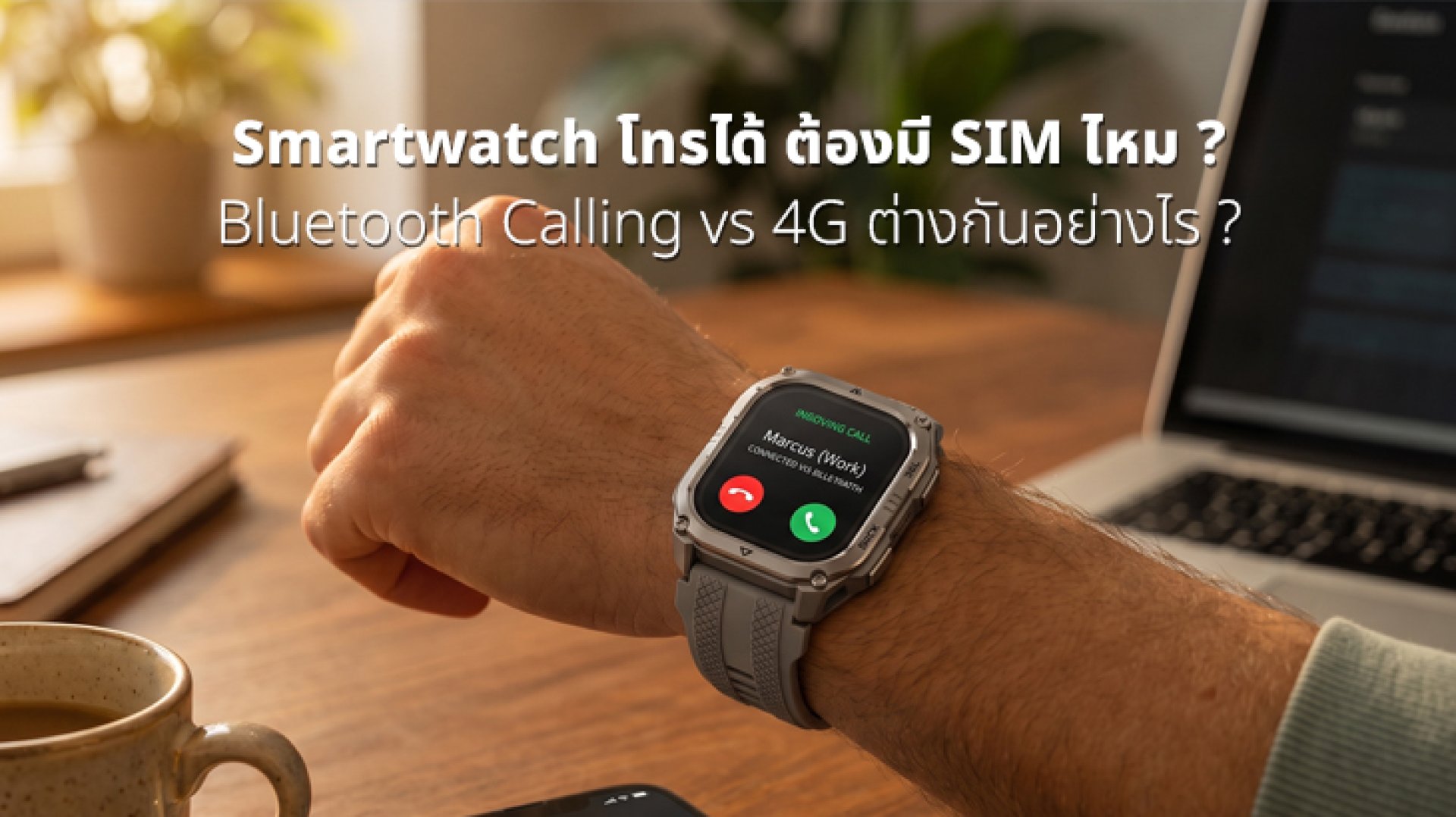
Some smartwatches advertise that they can make calls, but does that mean you need a SIM card inside the watch? Not necessarily.
There are two main ways a smartwatch can make or receive calls: Bluetooth Calling, which relies on a connected smartphone, and Cellular or 4G LTE, which allows the smartwatch to connect to a mobile network on its own.
This difference is important when choosing a smartwatch. Two watches may both say Bluetooth Calling, but their capabilities can be very different when you leave your smartphone at home.
In simple terms, Bluetooth Calling usually requires your smartphone to be nearby, while a Cellular or 4G LTE smartwatch can connect to a mobile network independently. However, SIM, eSIM, phone numbers, and network compatibility depend on the smartwatch model and mobile carrier.
Does a Smartwatch Need a SIM to Make Calls?
No, not every smartwatch needs a SIM card.
Smartwatches that support calling can generally be divided into two main types:
- Bluetooth Calling: The smartwatch connects to your smartphone via Bluetooth and uses the phone's cellular connection for calls.
- Cellular / 4G LTE: The smartwatch can connect directly to a mobile network using a supported SIM or eSIM service.
For example, Samsung explains that supported Galaxy Watch models can make calls through a Bluetooth connection or through a mobile network, depending on the watch's connectivity configuration. LTE models can handle calls without requiring a Bluetooth connection to the phone in certain situations.
Wear OS also explains that cellular watches require a compatible mobile service and supported SIM or eSIM configuration, depending on the device and carrier.
What Is Bluetooth Calling on a Smartwatch?
Bluetooth Calling means the smartwatch connects to your smartphone through Bluetooth and uses the watch's microphone and speaker to handle the conversation.
In simple terms, your smartphone provides the cellular connection while the smartwatch acts as the device you use to talk.
For example, you might keep your smartphone in your pocket while walking. When someone calls you, the smartwatch displays the incoming call. You can answer from the watch and talk through its microphone and speaker while the smartphone remains connected to the mobile network.
Samsung states that Bluetooth calling requires the smartwatch to be connected to a compatible phone through Bluetooth.
Who Is Bluetooth Calling Best For?
- People who normally carry their smartphone everywhere
- People who want to answer calls without taking their phone out
- Users looking for convenient everyday smartwatch features
- People who don't need to leave their smartphone behind
What Is a Cellular or 4G LTE Smartwatch?
A Cellular or 4G LTE smartwatch can connect to a mobile network directly instead of relying on Bluetooth from your smartphone at all times.
Depending on the model, the watch may use an eSIM or another supported SIM configuration. You will also need a compatible cellular service from a supported mobile carrier.
Google explains that compatible cellular watches can make and receive calls without being connected to a phone through Bluetooth, provided the watch has an active supported cellular service.
For example, Apple Watch models with GPS + Cellular can connect to a cellular network and use calling and data features when an iPhone or Wi-Fi connection is not available nearby, subject to carrier and service availability.
Bluetooth Calling vs 4G LTE: What's the Difference?
| Feature | Bluetooth Calling | Cellular / 4G LTE |
|---|---|---|
| Requires a smartphone connection | Generally yes, through Bluetooth | Not necessarily |
| Uses the phone's mobile network | Yes | No, the watch uses its own cellular connection |
| Requires cellular service for the watch | No | Yes |
| SIM / eSIM | Not required for Bluetooth calling | Requires a supported cellular SIM/eSIM service |
| Can make calls when the phone is far away | Generally no | Yes, when cellular service is available |
| Additional carrier service | Usually not required | May require an additional cellular plan or service |
| Freedom from carrying a phone | Limited | Higher |
How Can Bluetooth Calling Work Without a SIM in the Watch?
This is where many people get confused.
Bluetooth itself does not give the smartwatch a mobile network connection. Instead, it creates a wireless connection between the watch and your smartphone.
The process is roughly:
- Your smartphone connects to the mobile network.
- The smartwatch connects to the smartphone through Bluetooth.
- An incoming call reaches the smartphone.
- The smartwatch displays the incoming call.
- You answer the call from the smartwatch.
- The watch's microphone and speaker are used for the conversation.
So the smartwatch doesn't need its own SIM for Bluetooth Calling because the smartphone is still responsible for the mobile network connection.
Can You Make Calls With Bluetooth Calling Without Your Phone?
Generally, no. If the smartwatch does not have cellular connectivity or another supported network connection, Bluetooth Calling depends on the smartphone being connected and within the required range.
Once the smartphone is too far away, the Bluetooth connection may be lost, meaning the watch can no longer use the phone's cellular connection for normal Bluetooth Calling.
Some smartwatches may support Wi-Fi calling or other network-based features, depending on the device, operating system, and carrier. Apple, for example, supports Wi-Fi calling on compatible Apple Watch configurations under certain conditions.
Therefore, don't just look for the words Calling Supported. Check whether the watch can actually make calls when your smartphone is not nearby.
Does a 4G Smartwatch Need Its Own Phone Number?
A Cellular smartwatch needs a supported mobile service, but the exact way phone numbers work depends on the smartwatch, carrier, and service plan.
Some cellular services allow the smartwatch to share a phone number with the smartphone, while other configurations may assign a separate number or use a carrier-specific setup.
Google notes that some carriers support the use of the same number across a phone and connected watch, but availability depends on the carrier.
Before buying a 4G smartwatch, check all three:
- Smartwatch model
- Mobile carrier compatibility
- Cellular plan or service
Simply seeing 4G on the product specification does not automatically mean the watch will work with every mobile network.
What Is the Difference Between eSIM and a Physical SIM?
Many modern Cellular smartwatches don't have a physical SIM card slot like a smartphone. Instead, they use an eSIM, which is a SIM profile built into the device.
The main advantage is convenience. You don't need to insert or remove a tiny physical SIM card. If the smartwatch and carrier support it, the cellular service can be activated through the supported setup process.
Google explains that cellular watches use supported SIM or eSIM configurations depending on the device and mobile service.
Does a Calling Smartwatch Need a Microphone and Speaker?
If you want to talk directly through the smartwatch, the watch needs appropriate audio hardware, typically including a microphone and speaker.
Samsung also notes that making and answering calls directly through supported smartwatches requires the necessary microphone and speaker hardware.
It's useful to distinguish between these features:
- Call notifications: The watch tells you that someone is calling.
- Answering calls: You can accept a call from the watch.
- Calling from the watch: You can initiate or conduct a conversation using the watch.
These are not necessarily the same feature, so always check the detailed specifications before buying.
Bluetooth Calling vs 4G LTE: Which One Fits Your Needs?
| Your Usage | Recommended Connectivity |
|---|---|
| You always carry your smartphone | Bluetooth Calling |
| You mainly want to answer calls from your wrist | Bluetooth Calling may be enough |
| You exercise without wanting to carry your phone | Cellular / 4G LTE |
| You want to make calls when your phone is far away | Cellular / 4G LTE |
| You want to avoid an additional cellular service | Bluetooth Calling |
| You want the watch to connect to a mobile network independently | Cellular / 4G LTE |
What Should You Check Before Buying a Calling Smartwatch?
1. What Does Calling Actually Mean?
Check whether the watch supports Bluetooth Calling, Wi-Fi Calling, or Cellular / 4G LTE. These technologies provide different levels of independence from your smartphone.
2. Does It Have a Microphone and Speaker?
If you want to have conversations directly through the watch, check that it has both a microphone and speaker designed to support calling.
3. Is It Bluetooth or Cellular?
This is one of the most important things to check. Bluetooth Calling generally requires your smartphone to remain nearby, while Cellular allows the watch to connect to a mobile network independently when supported service is active.
4. Is the Cellular Version Compatible With Your Carrier?
If you're buying a Cellular smartwatch, check carrier compatibility before purchasing. A watch having 4G hardware does not automatically mean that every mobile network will support it.
5. Is There an Additional Monthly Fee?
Cellular smartwatches may require an additional plan or service fee, depending on the carrier and service configuration.
Conclusion: Does a Smartwatch Need a SIM to Make Calls?
No, a smartwatch does not always need a SIM to make calls.
If the watch supports Bluetooth Calling, it can use a connected smartphone as the mobile network connection. The watch itself does not need a SIM for this type of calling.
If it supports Cellular / 4G LTE, the smartwatch can connect directly to a mobile network and generally requires a supported cellular service using SIM or eSIM technology, depending on the device and carrier.
So, if you always carry your smartphone, Bluetooth Calling may be all you need. But if you want to go running, walking, or exercising without carrying your phone, a Cellular / 4G LTE smartwatch offers greater independence.
Most importantly, don't stop at the phrase calling smartwatch on the product page. Check how the watch makes calls, whether your phone needs to be nearby, what SIM or eSIM configuration it uses, and which mobile networks support it. That small check can prevent a very common buying mistake: getting home and discovering that your calling smartwatch only works when your phone is right next to you.
FAQ: Smartwatch Calling and SIM Cards
Does a smartwatch need a SIM to make calls?
No. A Bluetooth Calling smartwatch can make and receive calls through a connected smartphone without having its own SIM. A Cellular or 4G LTE smartwatch requires a supported mobile service and may use SIM or eSIM technology.
How does Bluetooth Calling work without a SIM?
The smartwatch connects to the smartphone through Bluetooth. The smartphone remains connected to the mobile network while the smartwatch provides the microphone, speaker, and calling interface.
Can a 4G smartwatch make calls without a phone?
Yes, if it is a supported Cellular smartwatch with an active compatible mobile service and cellular coverage. It does not need to remain connected to the smartphone through Bluetooth for cellular calling.
What is the difference between Bluetooth Calling and 4G LTE?
Bluetooth Calling relies on a connected smartphone for the mobile network connection, while 4G LTE or Cellular allows the smartwatch to connect directly to a mobile network when supported service is active.
What is an eSIM in a smartwatch?
An eSIM is an embedded SIM profile built into the device. It allows compatible Cellular smartwatches to connect to supported mobile services without requiring a removable physical SIM card.
Can every smartwatch that receives calls also make calls?
No. Receiving call notifications does not necessarily mean that the watch can make or conduct calls. Check whether the model has the required microphone, speaker, and calling functionality.