What Is Thermal Throttling? Why Does FPS Drop on a Gaming Laptop?
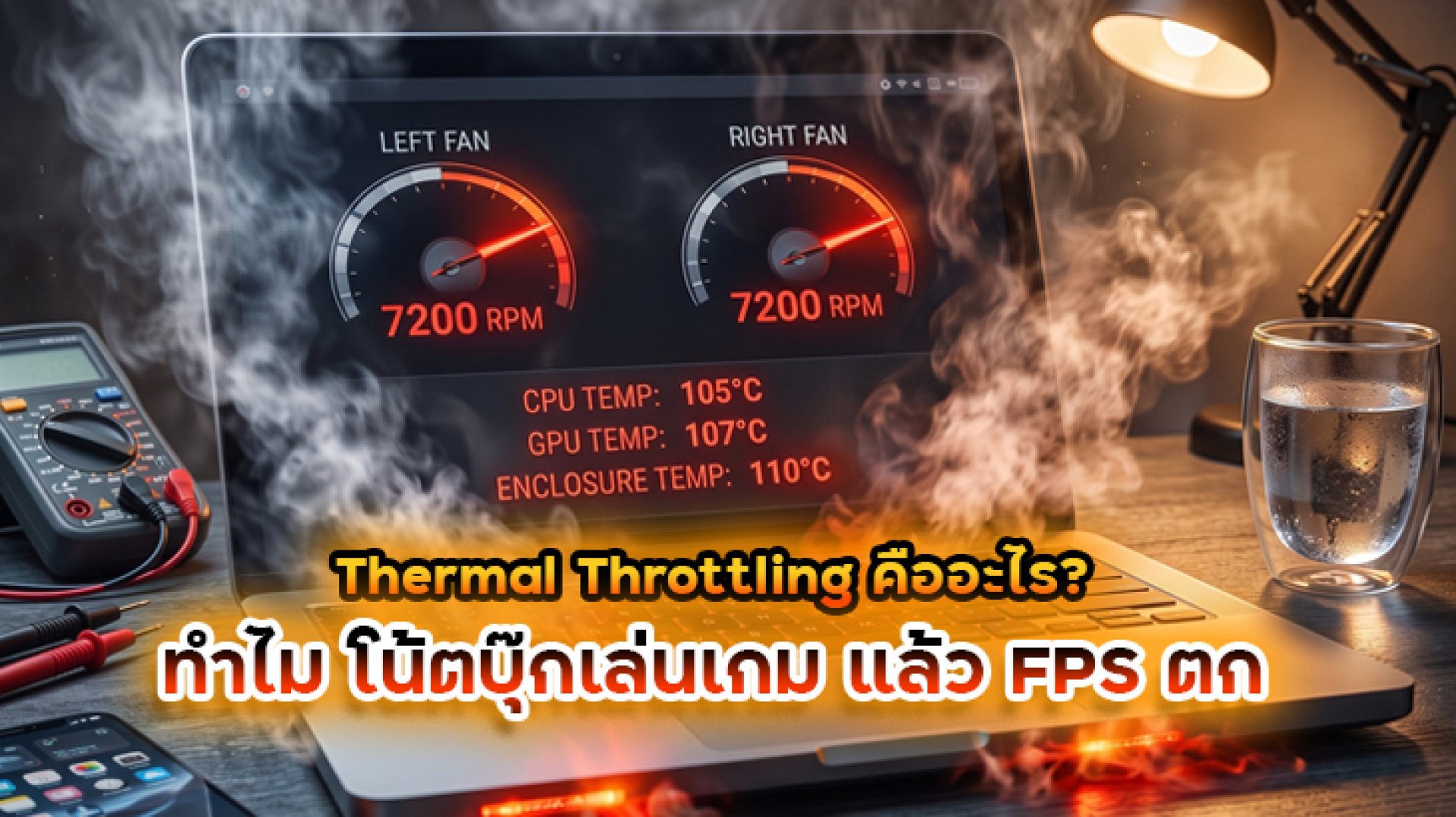
Have you ever started a game with smooth FPS, only to notice that performance drops after playing for a while?
The laptop gets hotter, the fans become louder, and suddenly the game no longer feels as smooth as it did at the beginning.
One possible reason is Thermal Throttling.
Thermal throttling is a thermal management mechanism that reduces the performance of a CPU, GPU, or other device when the system needs to control heat. Depending on the hardware and system design, this can involve reducing clock speed, power consumption, or device performance.
Intel describes throttling as a mechanism that can reduce CPU clock speed when the processor reaches its thermal limit. In gaming situations, this can be associated with reduced CPU speed and stuttering. Intel also notes that the exact behavior depends on the processor and system design.
What Is Thermal Throttling?
Thermal Throttling is a protective mechanism designed to reduce heat generation when a device reaches a thermal limit or needs additional thermal headroom.
When a processor or graphics processor becomes too hot, the system can reduce its operating performance to bring temperatures back under control.
This may involve:
- Reducing CPU clock speed
- Reducing GPU clock speed
- Reducing power consumption
- Reducing device performance
- Increasing fan speed through active cooling controls
The goal is not simply to make the laptop slower. The purpose is to manage heat and keep the system operating within its designed thermal conditions.
Windows thermal management, for example, can use passive cooling by reducing device performance or active cooling by controlling cooling devices such as fans. Microsoft explains that thermal throttling can reduce clock frequency, voltage, or device performance to lower heat generation.
Why Does Thermal Throttling Cause FPS to Drop?
Gaming places a sustained workload on the CPU and GPU. More workload generally means more power consumption and more heat.
If the laptop's cooling system cannot dissipate that heat quickly enough, the system may need to reduce performance.
The basic chain looks like this:
Gaming Load Higher Power Consumption More Heat Thermal Limit Performance Reduction Lower FPS or Stuttering
For example, a gaming laptop might initially run a game at a high and stable frame rate. After extended gameplay, temperatures can rise and the system may reduce CPU or GPU performance to control heat.
The result can be lower average FPS, reduced frame rates during demanding scenes, or inconsistent frame times.
Does Thermal Throttling Mean Your Laptop Is Broken?
Not necessarily.
Thermal throttling is part of modern computer thermal management. It is designed to prevent components from operating outside their intended thermal conditions.
Intel states that processors have thermal protection mechanisms that can reduce power when a processor reaches its configured thermal threshold. If the system cannot maintain a safe temperature through throttling, additional protection mechanisms can be used. Intel's processor temperature guidance also notes that throttle temperatures can vary by processor and BIOS configuration.
Therefore, seeing a CPU or GPU reduce performance under certain conditions does not automatically mean the hardware is defective.
Why Does FPS Start High and Drop After Playing for a While?
This is one of the most common situations that makes Thermal Throttling noticeable.
When a game first starts, the laptop may still have plenty of Thermal Headroom. The CPU and GPU can operate at higher performance levels while temperatures are still relatively controlled.
After continuous gameplay, however, heat can accumulate inside the chassis.
| Gaming Stage | System Condition | Possible Result |
|---|---|---|
| Game starts | Thermal headroom is available | High CPU/GPU performance |
| Extended gameplay | Heat begins to accumulate | Fan speed increases |
| Higher temperature | Thermal limits become more relevant | System adjusts performance |
| Thermal throttling | Clock or power may be reduced | FPS may decrease or become less stable |
Microsoft describes a similar thermal-management concept: when heat generation exceeds what the system can dissipate, temperature can continue to rise until thermal management reduces device performance and heat generation. Microsoft's Windows thermal management design guide explains this relationship in detail.
CPU Thermal Throttling vs GPU Thermal Throttling
Both CPU and GPU can be affected by thermal and power management, but their impact on gaming performance can differ.
CPU Thermal Throttling
CPU throttling occurs when the processor reduces its performance to help control temperature or comply with system-level power and thermal limits.
If a game is heavily CPU-dependent, reduced CPU performance can affect frame rates, frame times, game simulation, or background processing.
GPU Thermal Throttling
GPU performance can also change dynamically based on temperature, power, and workload conditions.
Because the GPU is responsible for rendering most of the visual workload in many games, reduced GPU performance can have a direct effect on rendering performance and FPS.
However, not every reduction in GPU clock speed is necessarily thermal throttling. Modern GPUs dynamically adjust clock speeds based on several factors, including workload, power, temperature, and system limits.
What Temperature Causes Thermal Throttling?
There is no single temperature number that applies to every gaming laptop.
This is important because laptop CPUs and GPUs operate under different thermal designs, firmware configurations, power limits, and cooling systems.
For example, seeing a CPU reach a certain temperature does not automatically prove that Thermal Throttling is occurring.
Intel notes that processor temperature depends on workload, chassis design, thermal solutions, and system-level fan control. It also does not define one universal normal operating temperature for every processor and system configuration. Intel's guidance on processor temperatures explains why temperature should be evaluated in the context of the specific system.
For this reason, it is better to look at temperature together with clock speed, power consumption, utilization, and FPS rather than using temperature alone.
How Can You Tell If Your Gaming Laptop Is Thermal Throttling?
FPS dropping by itself is not enough to prove Thermal Throttling.
Instead, look for a pattern involving multiple measurements:
- CPU Temperature: Does CPU temperature rise significantly during the gaming session?
- GPU Temperature: Does GPU temperature increase before FPS drops?
- CPU Clock: Does CPU frequency decrease when performance drops?
- GPU Clock: Does GPU frequency decrease at the same time as FPS?
- CPU/GPU Usage: Which component is actually limiting performance?
- Power Consumption: Does CPU or GPU power decrease when performance drops?
- FPS and Frame Time: Does the performance change happen at the same time as thermal or clock changes?
The key is to identify a relationship between temperature, clock speed, power, and performance.
Thermal Throttling vs a Laptop That Simply Does Not Have Enough Performance
Not every FPS drop is caused by overheating.
A gaming laptop can experience low FPS because the game is simply too demanding for its hardware, the graphics settings are too high, the CPU or GPU is fully loaded, or another system limitation is present.
| Observed Behavior | What to Investigate |
|---|---|
| Low FPS from the beginning | CPU/GPU performance, game settings, resolution, hardware requirements |
| FPS starts high and drops after extended gameplay | Temperature, clock speed, power, and thermal behavior |
| FPS drops only in demanding scenes | CPU/GPU workload and game optimization |
| FPS drops together with GPU clock reduction | GPU thermal or power limits |
| FPS drops together with CPU clock reduction | CPU thermal or power limits |
This is why simply looking at FPS is not enough. Monitoring the behavior of the CPU and GPU can provide a much clearer picture of what is actually happening.
Can a Cooling Pad Help Reduce Thermal Throttling?
A Cooling Pad can help in some situations, but its effectiveness depends heavily on the laptop's cooling architecture.
A cooling pad does not directly cool the CPU like a dedicated internal cooling system. Instead, it can improve airflow around the underside of the laptop and support the laptop's existing cooling system.
The result depends on factors such as:
- Where the laptop's intake vents are located
- How well the cooling pad aligns with those vents
- The laptop's internal heatsink and fan design
- Room temperature
- Dust and airflow restrictions
- CPU and GPU workload
- Power and performance settings
If heat is limiting sustained performance, better airflow may provide additional Thermal Headroom and help the laptop maintain performance for longer.
However, there is no universal FPS improvement or temperature reduction that applies to every laptop.
Why a Stronger Cooling Fan Is Not Always Better
When choosing a laptop cooler, it is tempting to focus only on fan speed or airflow numbers.
But cooling performance is not simply about producing the strongest possible airflow.
The airflow needs to reach the right place.
If the laptop's intake vents are positioned differently from the cooling pad's fan, a high-power fan may not deliver its full potential to the areas that actually need airflow.
This is one reason why the same cooling pad can produce different results on different gaming laptops.
How Does Pressure Cooling Relate to Thermal Throttling?
Pressure Cooling can be understood as an airflow-focused cooling approach that attempts to deliver air toward the laptop's intake area with a more targeted airflow path.
It does not make the air itself colder. Instead, the goal is to improve how airflow reaches the laptop's cooling system.
If external airflow helps the laptop remove heat more effectively, the system may gain additional thermal headroom. In certain situations, this can help the laptop maintain its performance for longer before thermal limits become a significant factor.
However, the actual result depends on the laptop's intake design and internal cooling architecture.
How to Reduce the Risk of Thermal Throttling on a Gaming Laptop
If your gaming laptop frequently becomes very hot and performance drops after extended gameplay, consider the cooling system as a whole.
- Keep the laptop's air intake and exhaust vents unobstructed.
- Use the laptop on a hard, flat surface.
- Keep dust from accumulating around the ventilation areas.
- Check whether the laptop's performance mode is configured appropriately.
- Monitor CPU and GPU temperature, clock speed, power, and utilization.
- Consider a Cooling Pad if its airflow design matches your laptop's intake vents.
- Compare performance before and after cooling changes using the same game and settings.
The goal should not simply be to achieve the lowest possible temperature. A better target is stable sustained performance under the workload you actually use.
How to Test Whether Cooling Actually Helps FPS
If you want to know whether a Cooling Pad or other cooling improvement is making a real difference, avoid comparing two completely different gaming sessions.
Instead, keep the test conditions as consistent as possible.
- Use the same game.
- Use the same resolution and graphics settings.
- Use the same performance mode.
- Run the same game scene or benchmark.
- Record CPU and GPU temperature.
- Record CPU and GPU clock speeds.
- Record FPS and frame time.
- Compare the results before and after the cooling change.
This makes it easier to determine whether improved cooling actually changes sustained performance rather than simply making the laptop feel cooler.
Thermal Throttling: The Simple Explanation
Thermal Throttling is a performance-control mechanism used to manage heat.
When a CPU or GPU reaches a thermal or system limit, the hardware or operating system can reduce performance to lower heat generation.
For gaming laptops, this can become noticeable as FPS drops, lower clock speeds, or inconsistent performance after extended gameplay.
However, high temperature alone does not prove Thermal Throttling. To identify the real cause, look at temperature + clock speed + power + utilization + FPS together.
And if thermal limits are affecting sustained gaming performance, improving airflow can be part of the solution. A Cooling Pad or targeted airflow system may help provide additional thermal headroom, but the result depends on the specific laptop and its cooling design.
In other words, the goal of laptop cooling is not simply to make the temperature number look better. The real goal is to help the laptop maintain stable performance for longer under sustained gaming workloads.
Related Articles
- Is a Laptop Cooling Pad Necessary for Gamers?
- What Is Pressure Cooling? Laptop Cooling Technology Explained
References
- Intel What Is Throttling and How Can It Be Resolved?
- Intel Seeing Temperature Spikes When Playing Games
- Intel Why Does Processor Have Higher Temperature When Playing Video Games?
- Microsoft Learn Device-Level Thermal Management
- Microsoft Learn Windows Thermal Management Design Guide
- Intel Intel Dynamic Tuning Technology Overview